Free Notion Widgets
for Any Page
Browse 89 ready-made widgets: clocks, calendars, weather, timers, and trackers, free to embed, no account. Or generate a custom one with AI. Start with the best Notion widgets roundup.
Popular Notion widgets
Twelve of the most-used widgets in the catalog, one from each type. Every one is free to embed.
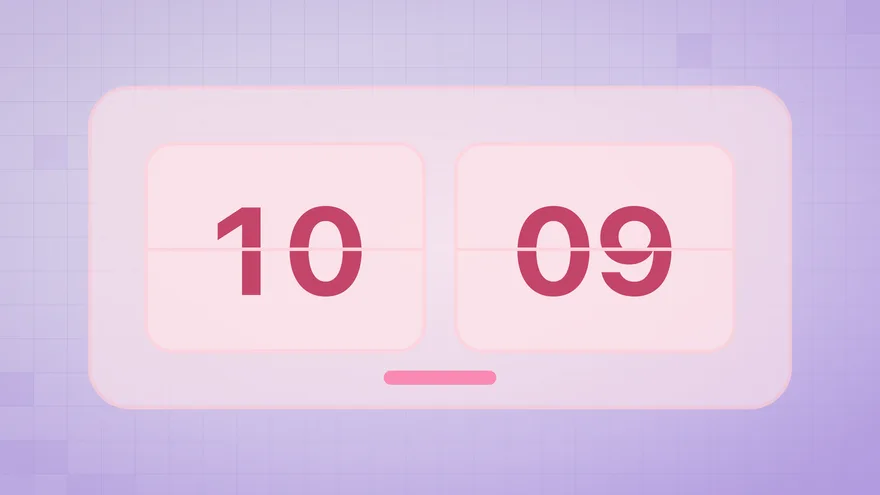
Soft Pink Flip Clock
Hours and minutes on flipping cards.
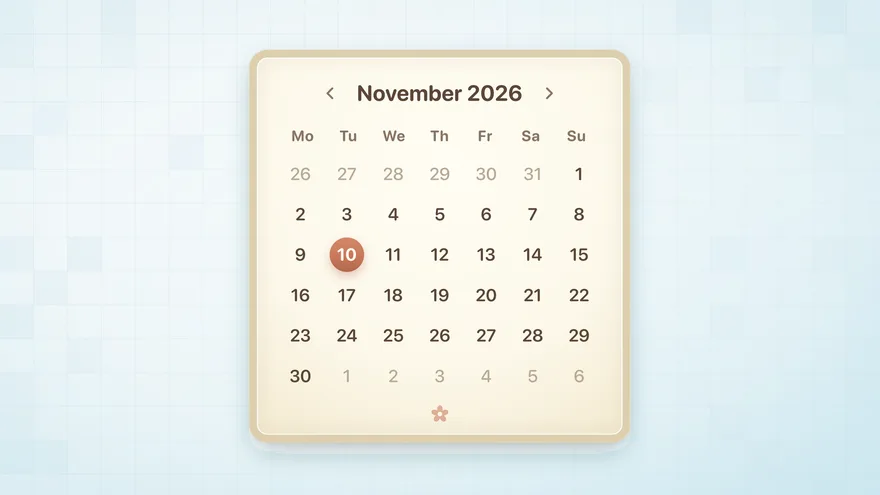
Ghibli Style Calendar
The whole month on a watercolour card.
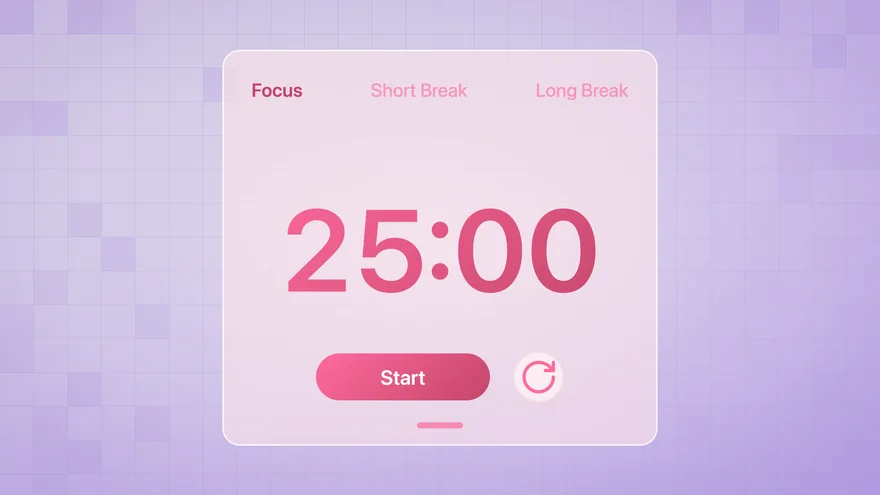
Soft Pink Pomodoro Timer
25-minute focus rounds with short and long breaks.
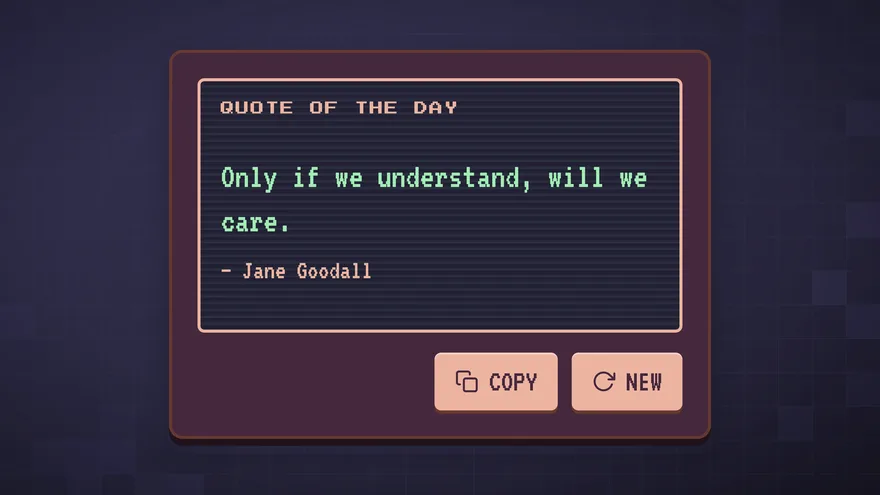
Retro Style Daily Quote
One new quote a day on a green CRT screen.
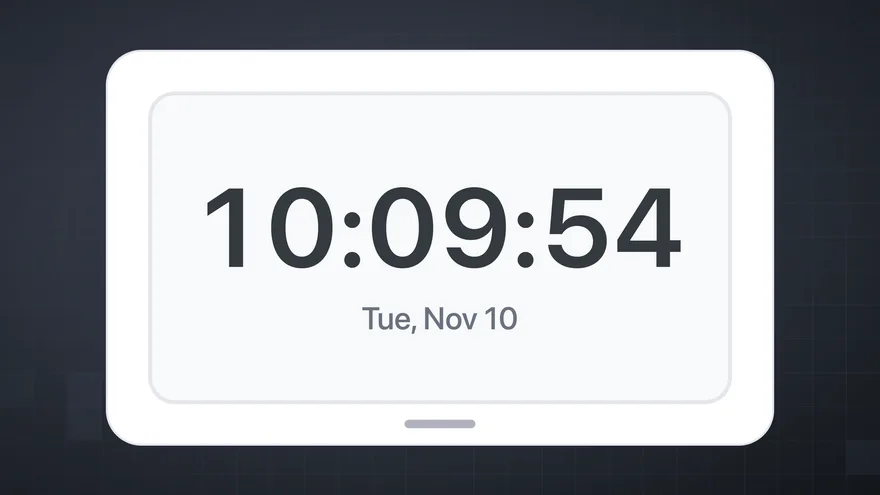
Sleek Blue Digital Clock
Live time with seconds and today's date.
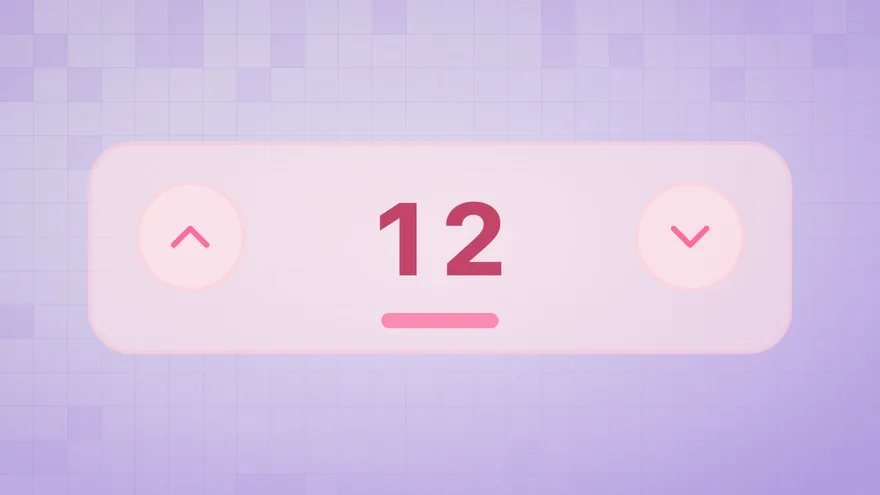
Soft Pink Counter
Count up or down with one tap.
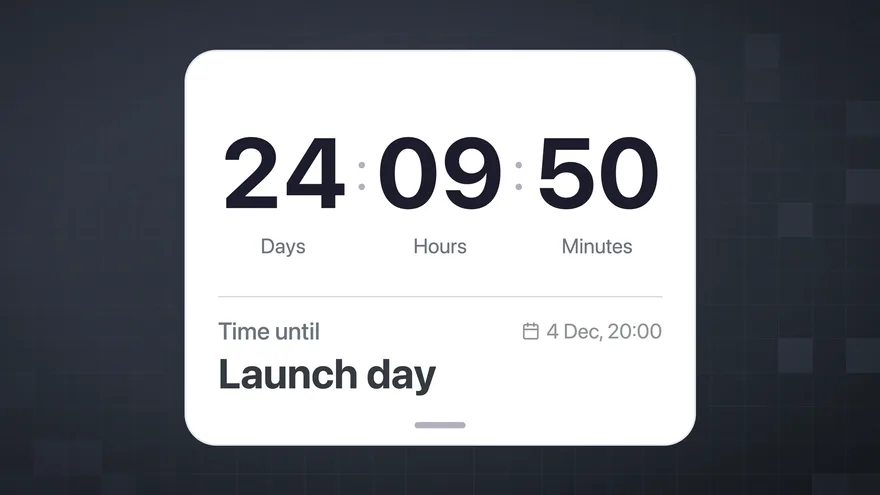
Sleek Blue Countdown
Days, hours and minutes left until your date.
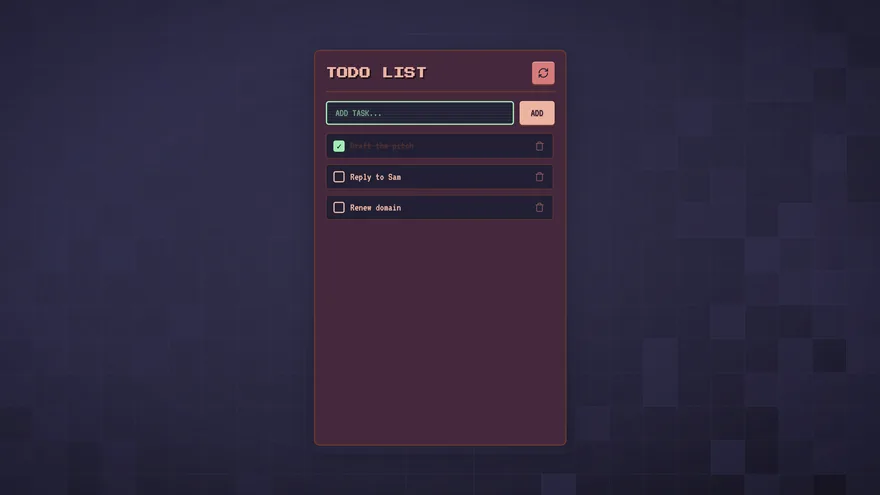
Retro Style Todo List
A pixel-art task list you check off in the page.
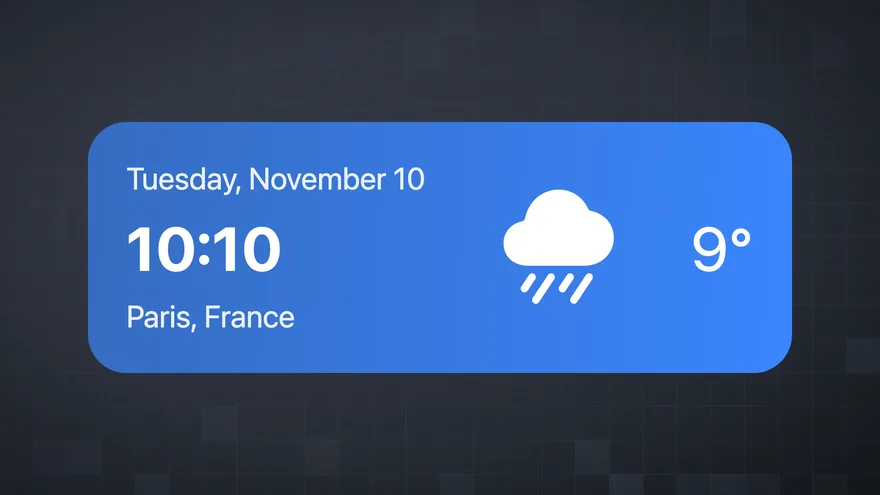
Sleek Blue Weather
The temperature and conditions where you are.
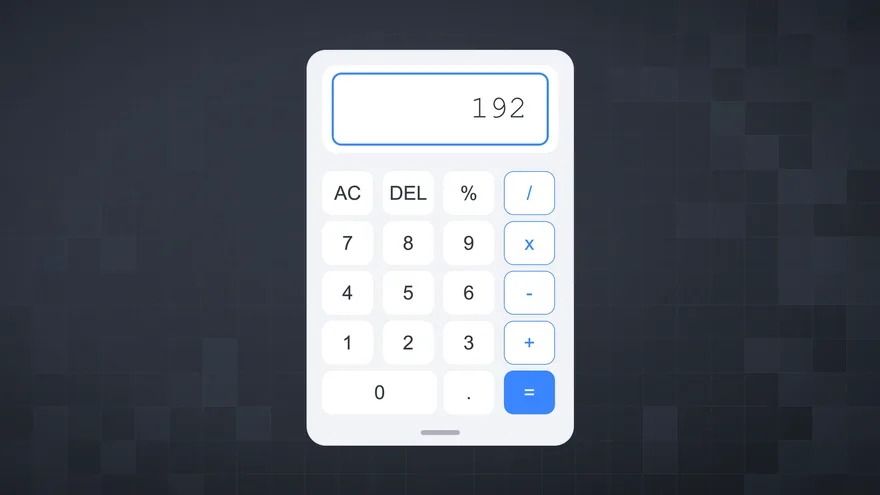
Sleek Blue Calculator
Add, subtract, multiply and divide in the page.
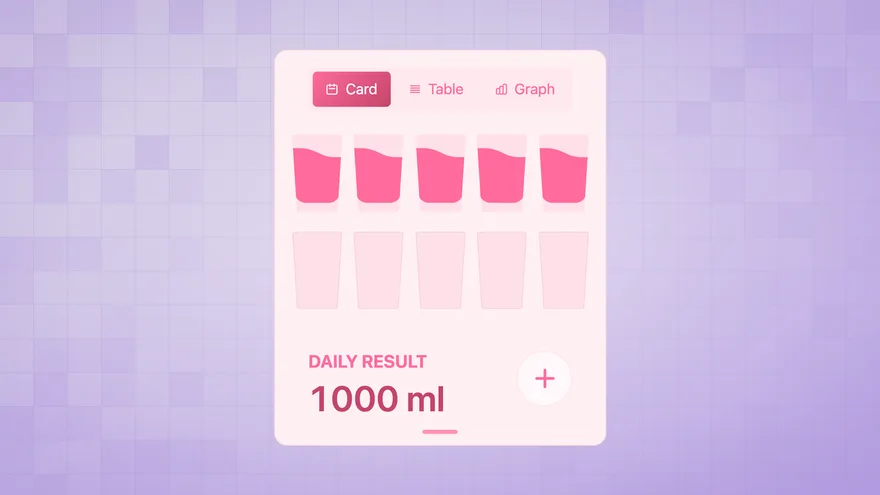
Soft Pink Water Intake Tracker
Log each glass and see the day's total.
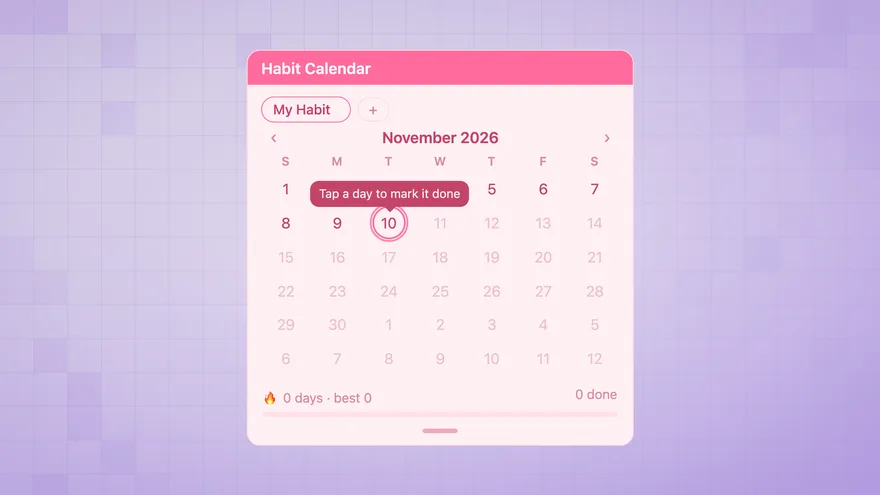
Soft Pink Habit Calendar
Mark each day done and keep the streak going.
Browse by type
From idea to Notion in three steps
- 01
Describe your widget
Type what you need in plain language. A Pomodoro timer, a weather card, a habit tracker — just describe it.
- 02
Generate with AI
The AI builds your widget and previews it instantly. Refine it with follow-up prompts until it's exactly right.
- 03
Embed in Notion
Copy the URL, type /embed in Notion, paste, and click Embed link. Your widget is live in real time.
What is Widgets For Notion?
Describe any interactive tool — a Pomodoro timer, a weather card, a live clock — and the AI generates a working widget in seconds. Or browse the catalog of verified, ready-to-embed widgets and add the ones that fit your workspace — free, no account needed.
Every widget embeds via Notion's standard /embed block. No code, no server, no Notion API required.
Built for Notion power users
Students
Pomodoro timers for study sessions, countdown widgets for exam deadlines, habit trackers for reading goals and workout routines.
Remote workers
World clocks for distributed teams, weather cards for daily commute planning, focus timers for deep work blocks.
Notion power users
Custom widgets matching your exact aesthetic and workflow — generated with AI instead of built with code.
Notion widgets, answered
Are Notion widgets free?
Every widget in the catalog is free to embed and needs no account. Views are unlimited, and each copy you make carries a small attribution badge. AI generation is charged in credits, after a free first one.
How do I add a widget to a Notion page?
Open a widget page and press Copy embed link. In Notion, type /embed, press Enter, paste the link, then press Embed link. Drag the edge of the block to resize it. The widget updates by itself once it is in the page.
Do I need the Notion API or any code?
No. Widgets use Notion's own /embed block, which accepts any URL. There is nothing to install, no integration to authorise, and no code to host. A widget also cannot read or write your Notion databases. It is a small page inside a frame, not an integration.
Do the widgets work in the Notion mobile app?
Yes. Embeds render inside Notion pages on iOS and Android the same way they do on desktop. They cannot sit on your phone's home screen, though. That needs a native app widget, which is a different thing from a page embed.
Can I change how a widget looks?
Pick a collection first. Sleek Blue, Retro Style, Soft Pink and Ghibli Style are the same widget types in four visual styles. If none of them fits, the AI creator generates a widget to your own description and takes follow-up prompts to adjust colours, wording and behaviour.
Is there a limit on views?
No. Views are unlimited. If a widget gets abnormal traffic, such as bots or scripted loads, we can pause it. Email us and we lift the pause.
More detail in the setup guide, the pricing page, or ask us directly.
Explore the widget catalog
Verified, ready-to-embed widgets organized by collection — Sleek Blue, Retro Style, and Ghibli Style. Free to embed, no account needed.
Or jump straight to a widget type: clocks, calendars, countdowns, Pomodoro timers, weather — or browse all types.