Free to download · No account needed

Free Notion Covers

A gallery of 57 free Notion cover images, sized 1500×600 for Notion's banner crop and saved as lightweight webp files. Browse by aesthetic below — soft blues, pinks, dark-mode banners, minimalist textures, retro illustrations, sage botanicals, pastels, and gradients — and download any cover with one click. No account, no watermark, no attribution required; then hover over your Notion page, choose "Add cover", and upload the file.


Soft blue Notion cover with a fine line grid and scattered mosaic squares

Blue Grid Mosaic

Download
Pale blue gradient Notion cover with soft glowing orbs

Blue Soft Gradient

Download
Light blue Notion cover with layered soft wave bands along the bottom

Blue Waves

Download
Powder blue Notion cover with a subtle dot grid pattern

Blue Dot Grid

Download
Soft pink Notion cover with a fine line grid and mosaic squares

Pink Grid Mosaic

Download
Blush pink gradient Notion cover with soft glowing orbs

Pink Soft Gradient

Download
Pale pink Notion cover with overlapping soft arches rising from the bottom

Pink Arches

Download
Light pink Notion cover with a subtle dot grid pattern

Pink Dot Grid

Download
Dark charcoal Notion cover with a subtle line grid and mosaic squares

Dark Grid Mosaic

Download
Smooth dark charcoal gradient Notion cover with soft tonal orbs

Charcoal Gradient

Download
Near-black Notion cover with a muted dot grid pattern

Dark Dot Grid

Download
Dark navy Notion cover with layered soft wave bands

Midnight Waves

Download
Plain off-white gradient Notion cover, almost blank

Off-White

Download
Off-white Notion cover with a faint hairline grid

Line Grid

Download
Off-white Notion cover with a subtle gray dot grid

Dot Grid

Download
Warm gray gradient Notion cover with soft tonal shapes

Warm Gray

Download
Warm cream Notion cover with a vintage-toned line grid and mosaic squares

Cream Grid

Download
Retro Notion cover with concentric warm sunset arcs on cream

Sunset Stripes

Download
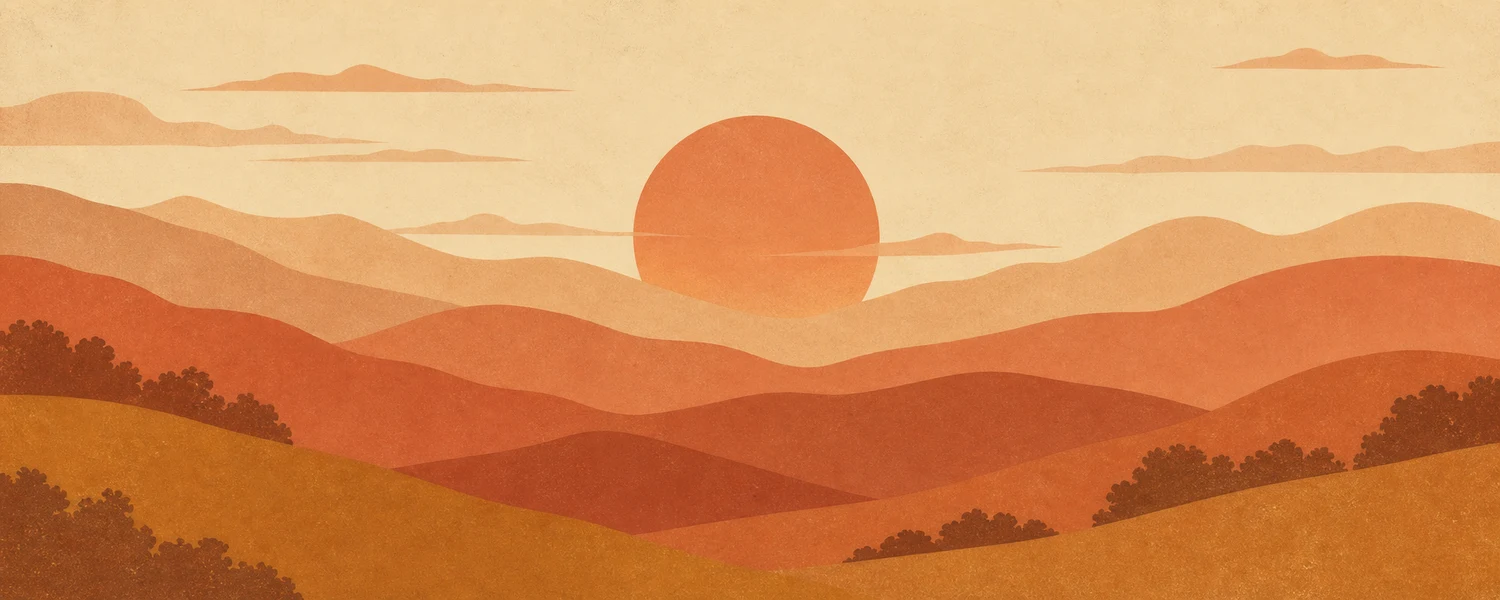
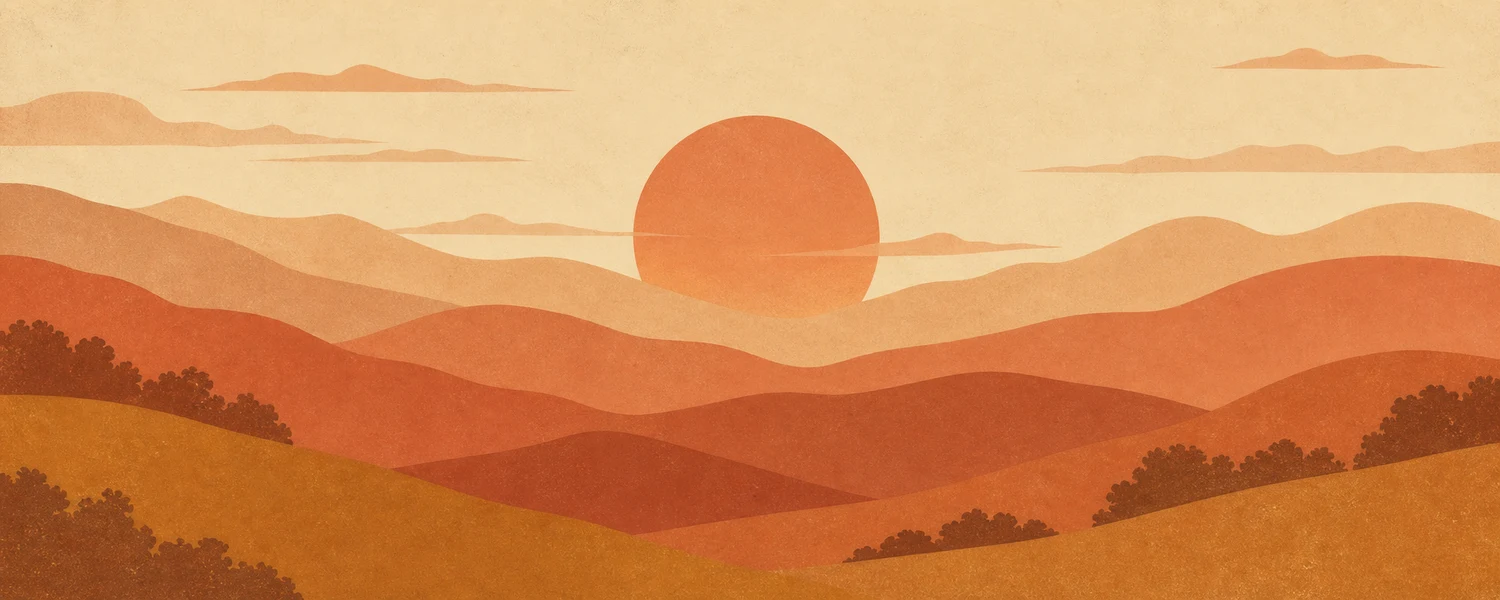
1970s travel-poster style sun over layered hills in terracotta and ochre

Vintage Sun Poster

Download
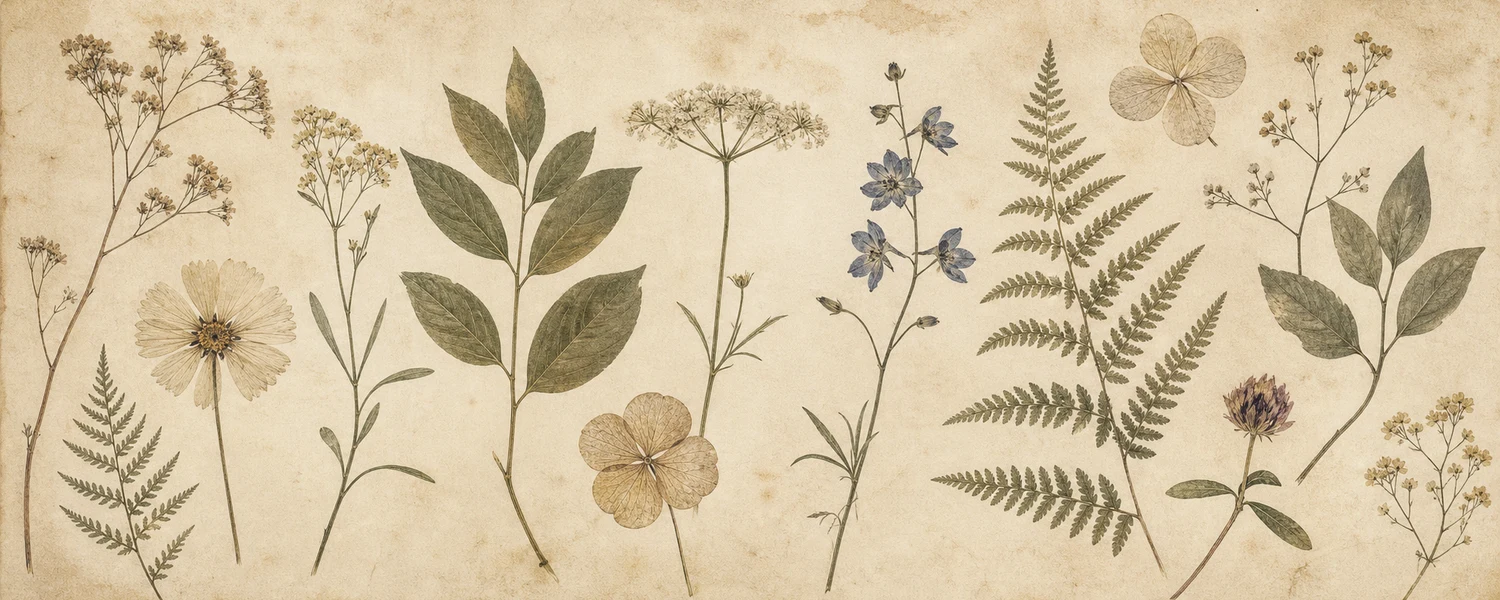
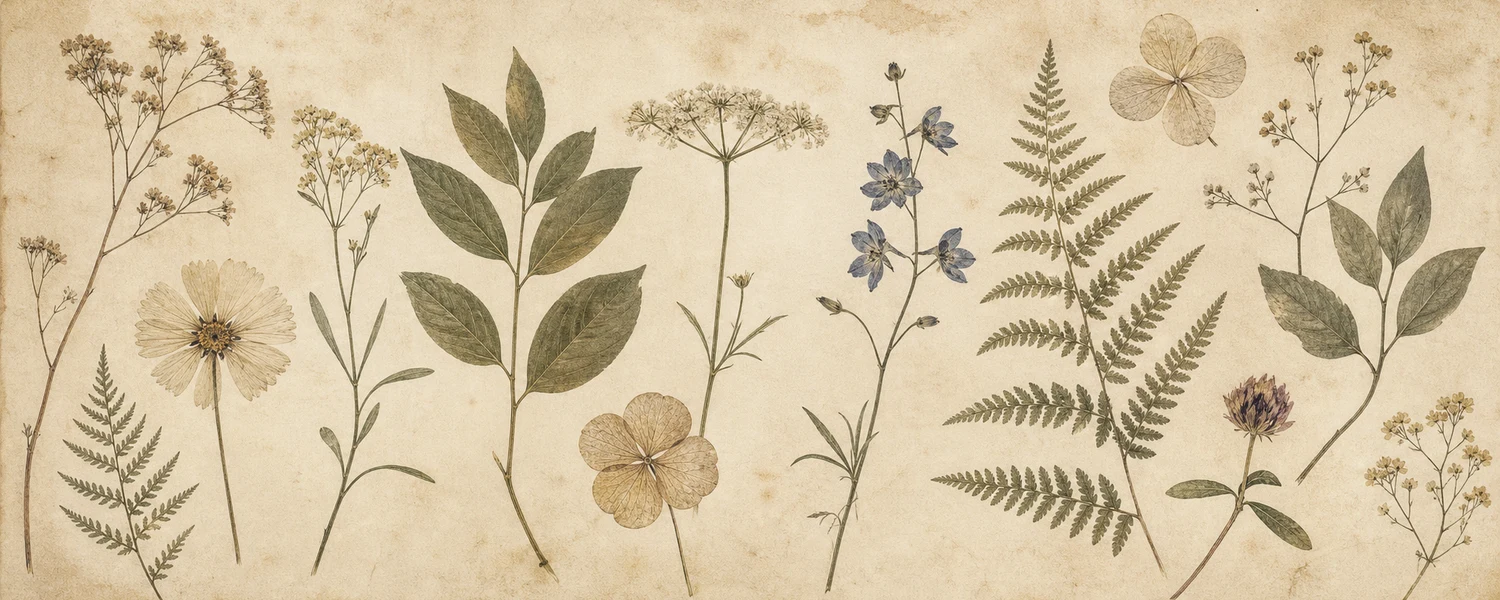
Vintage botanical illustration of pressed flowers on aged cream paper

Botanical Plate

Download
Muted sage green Notion cover with a line grid and mosaic squares

Sage Grid Mosaic

Download
Soft sage green gradient Notion cover with tonal orbs

Sage Soft Gradient

Download
Pale green Notion cover with layered soft wave bands

Sage Waves

Download
Light sage Notion cover with a subtle dot grid

Sage Dot Grid

Download
Soft pastel gradient Notion cover blending lavender into peach

Lavender Peach

Download
Pastel Notion cover blending mint green into pale sky blue

Mint Sky

Download
Pale lavender and peach Notion cover with a line grid and mosaic squares

Pastel Grid Mosaic

Download
Soft pastel Notion cover with overlapping arches in lilac, pink, and blue

Pastel Arches

Download
Aesthetic gradient Notion cover from peach through rose to lilac

Sunset

Download
Gradient Notion cover from dusty rose into soft lilac

Rose Lilac

Download
Pale gradient Notion cover blending misty blue, lavender, and blush

Dawn Mist

Download

How to set a Notion cover image

  1. 1

    Download a cover

    Click the download button on any cover above — the 1500×600 webp file saves straight to your device.

  2. 2

    Add it to your page

    In Notion, hover over the top of the page and click "Add cover", then "Change cover" → "Upload" and pick the file.

  3. 3

    Reposition the crop

    Hover over the cover and click "Reposition" to drag the visible slice — useful on the landscape and illustrated covers.

Frequently asked questions

How do I add a cover to a Notion page?

Hover over the top of the page and click "Add cover", then hover over the cover and choose "Change cover" → "Upload" to use a downloaded image. Drag "Reposition" to control the crop.


What size should a Notion cover be?

Notion displays covers at a roughly 5:2 ratio and crops vertically depending on window width. Every cover here is 1500×600 pixels, which stays sharp at full page width without oversized files.

Are these covers really free?

Yes — every cover downloads in one click with no account, watermark, or attribution required. Use them in personal and shared workspaces alike.

Why webp instead of jpg or png?

Webp compresses these soft gradients and textures to a fraction of a jpg's size with no visible loss, so pages load faster. Notion accepts webp uploads like any other image.

Finish the page with matching widgets

A cover sets the tone; free embeddable widgets do the work. Browse the full widget catalog or jump to widgets by type — clocks, habit trackers, calendars, and more in styles that match these covers.