We Redesigned All 78 Free Notion Widgets: Before and After
Markdown
View
Old and new widgets side by side

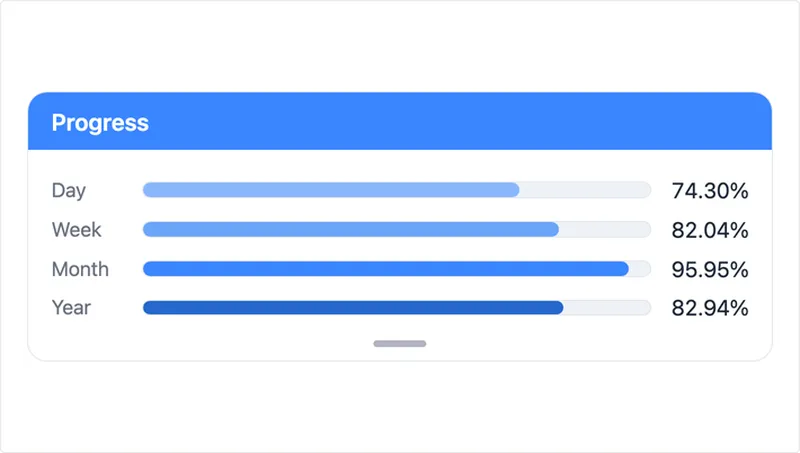
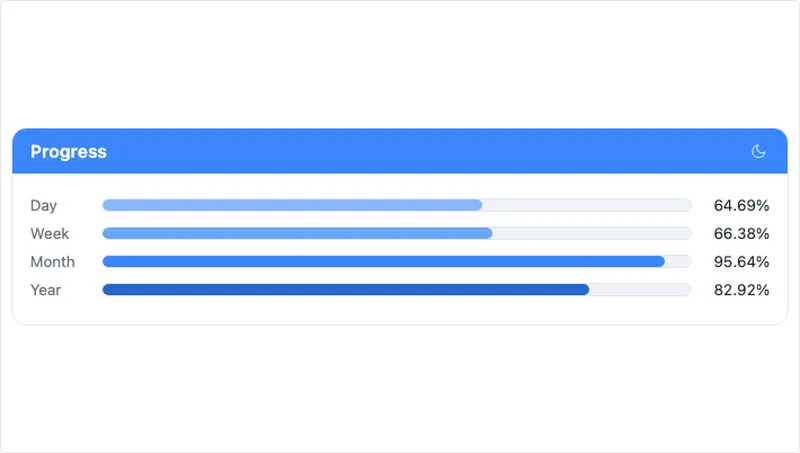
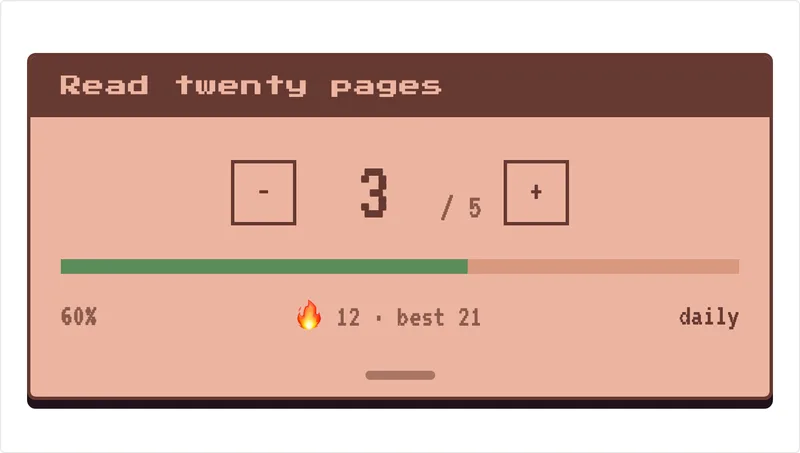
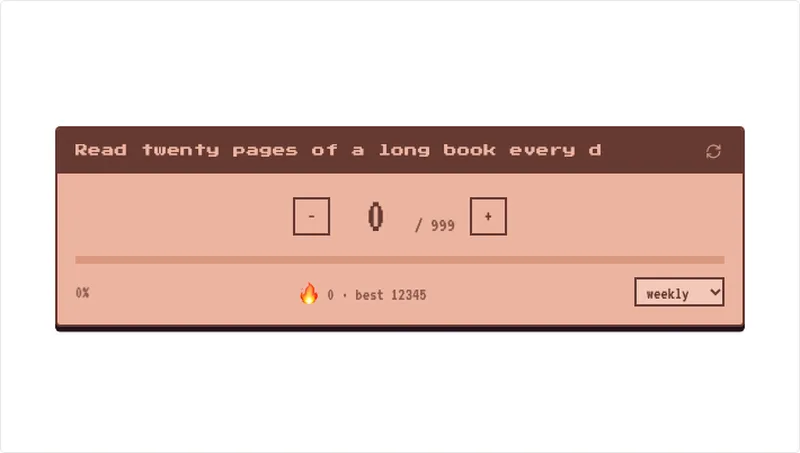
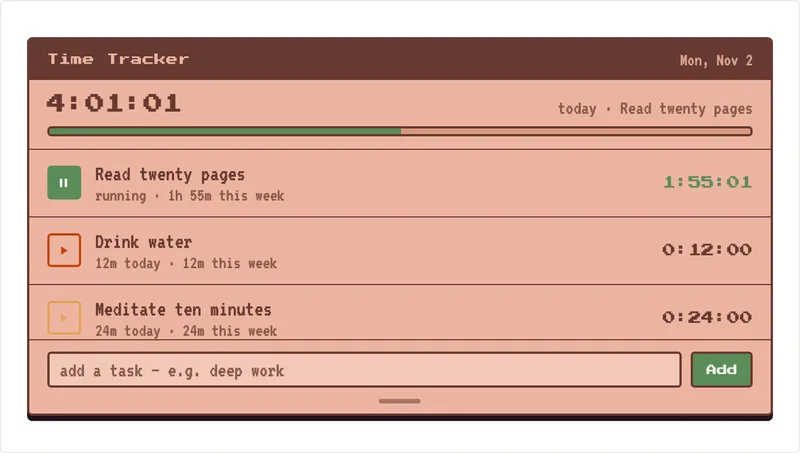
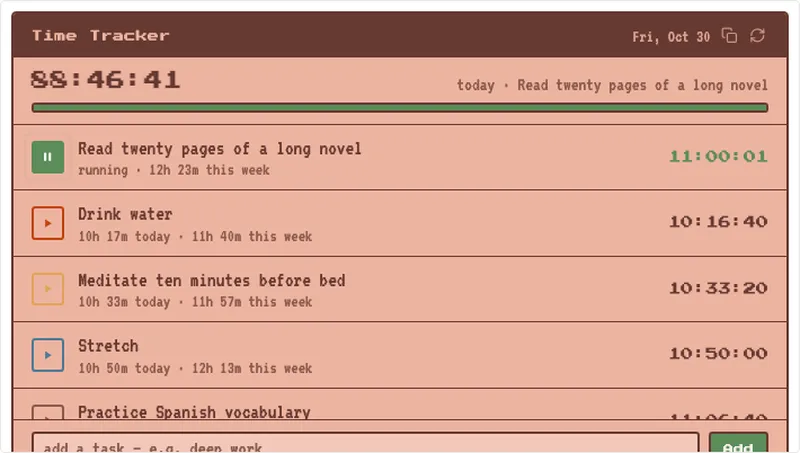
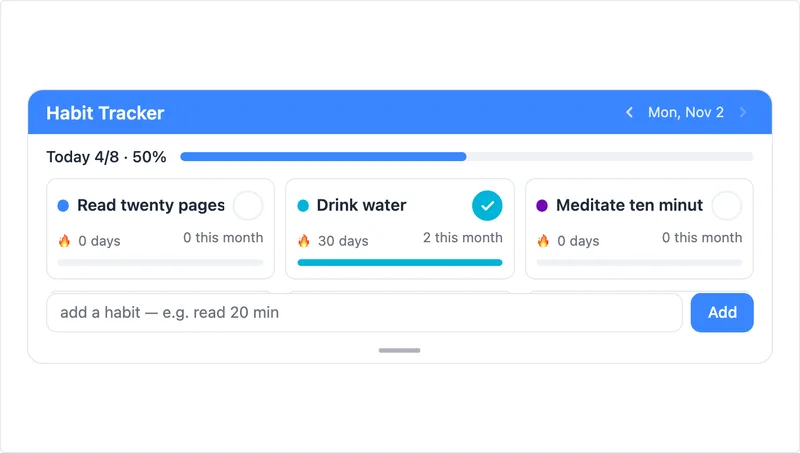
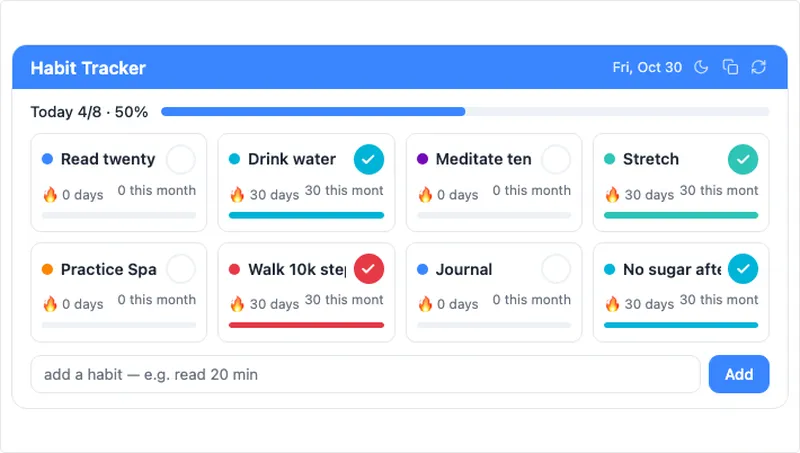
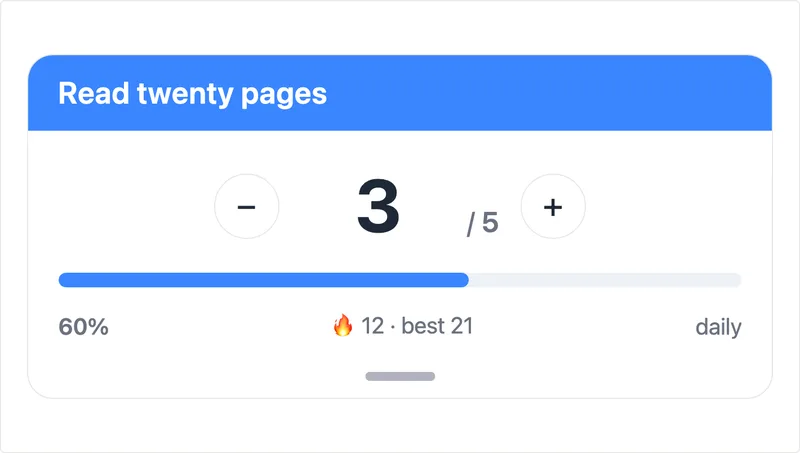
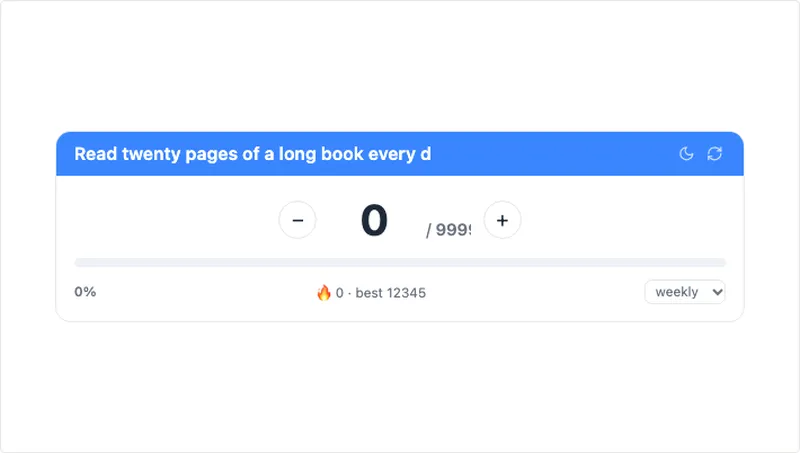
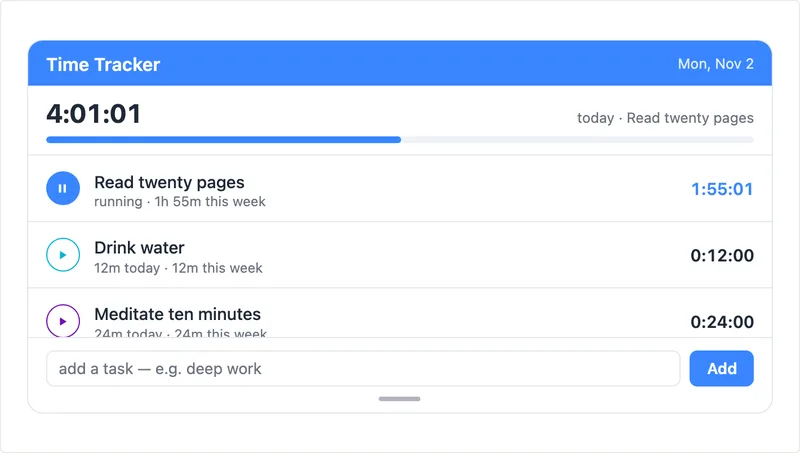
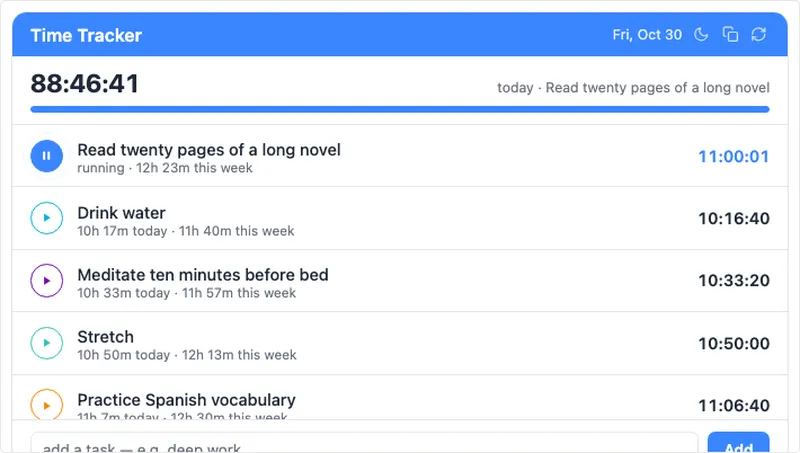
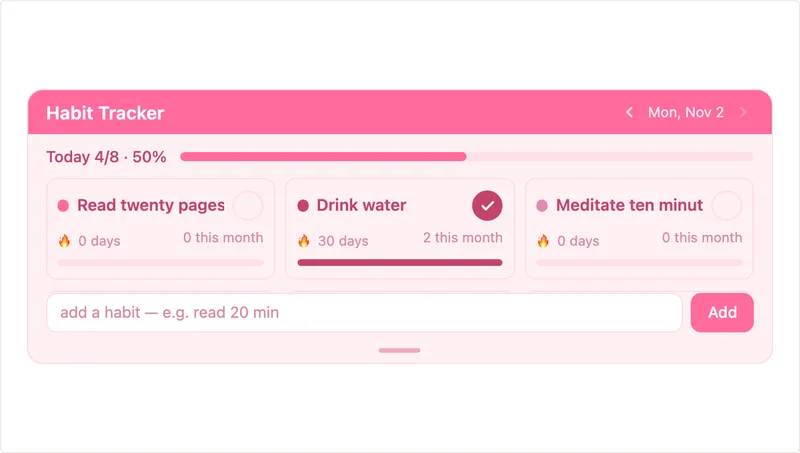
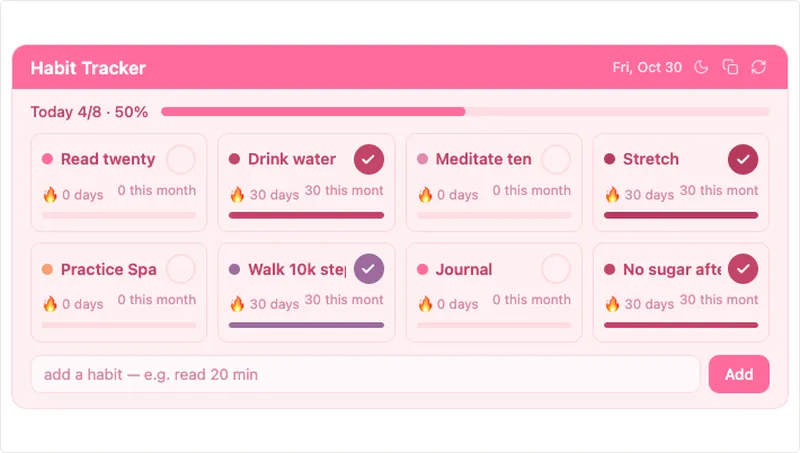
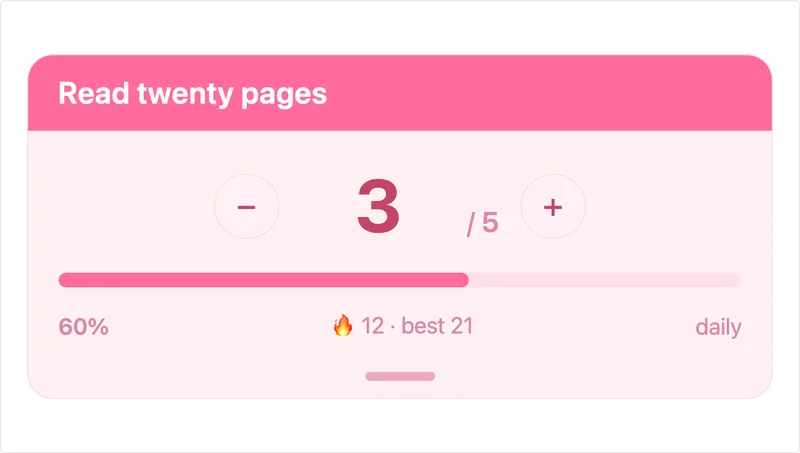
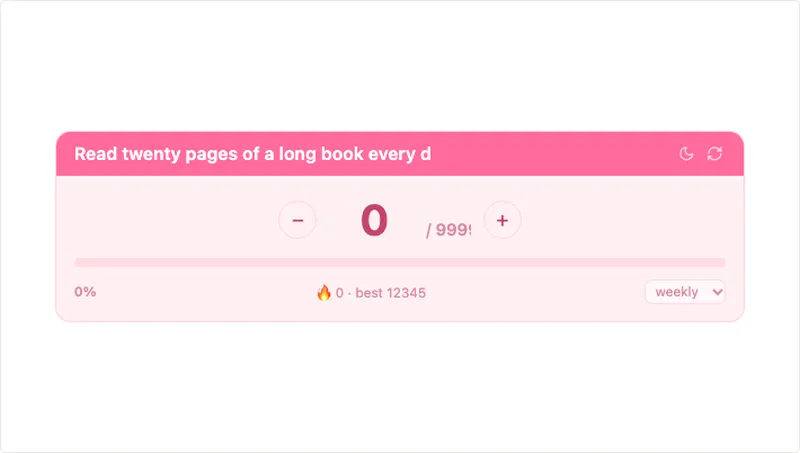
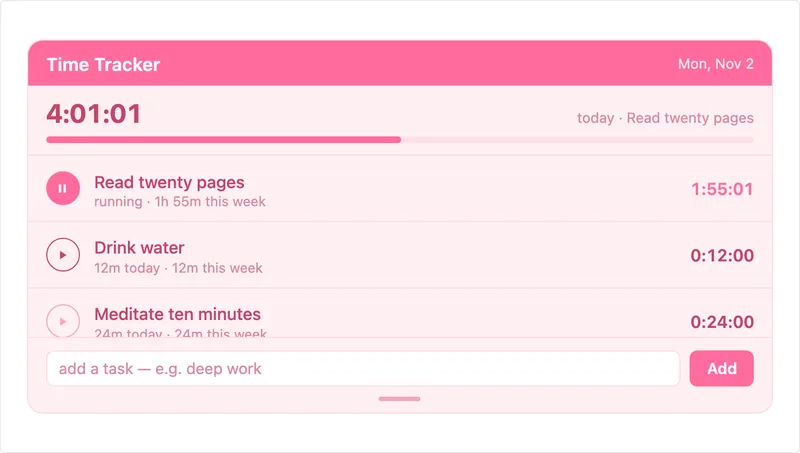
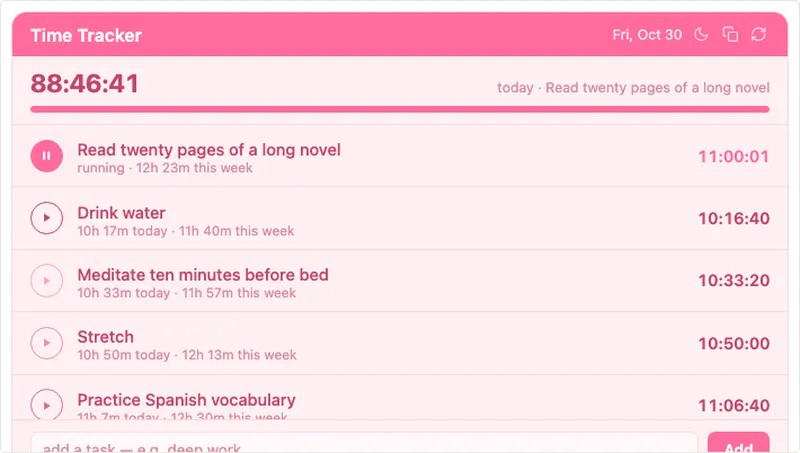
On 30 October every widget in the free catalog changed. All 78 of them, across Sleek Blue, Soft Pink, Retro, Ghibli and Halloween. If you already have some on your Notion pages, you don't need to do anything: the embed links are the same and your saved settings, tasks and habits are still there.

Here is what changed. Drag the line on any picture to compare the old version with the new one.

What changed

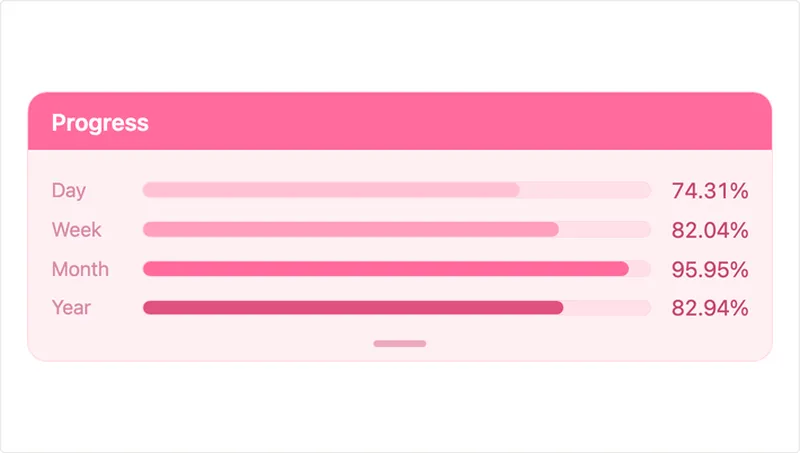
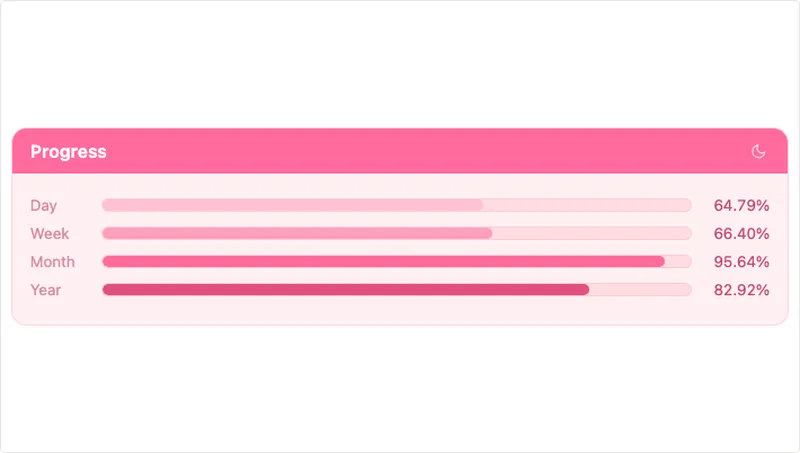
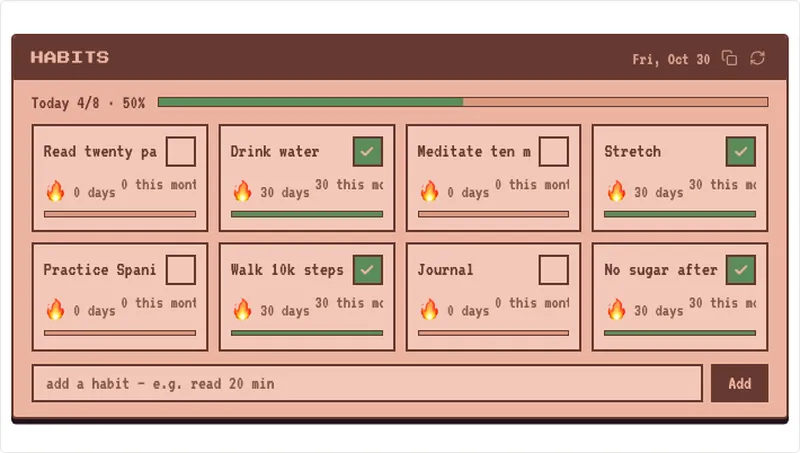
  • The widget fills its Notion block. Before, a widget sat small in the middle of the embed with empty space around it. Now it uses the whole block and resizes smoothly when you drag the block wider or narrower.
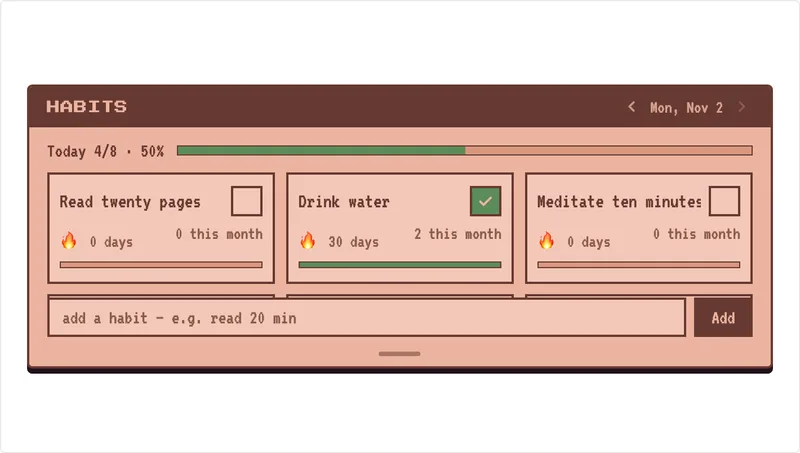
  • Settings slide up from the bottom. Before, buttons for theme, export and reset sat on top of the widget, and some clocks hid their options on a double-clicked back face. Now there is one small handle at the bottom. Tap it, or swipe up, and a settings sheet slides up inside the widget.
  • Nothing behind the card. No more backgrounds or scenes behind the widget, so it sits cleanly on a white or dark Notion page.
  • Calendars keep their size. Every calendar now shows six rows, so it doesn't grow or shrink from one month to the next.
  • Flip clocks work on phones. The Retro, Sleek Blue and Soft Pink flip clocks now flip properly in the Notion app on iPhone and Android.

Try it: drag the block

Move the slider to resize the Notion block. The old widget stays the same size. The new one follows the block.
Sleek Blue weatherblock 340 × 340 px
Before
Old weather widget inside the resized block
After
New weather widget inside the resized block

Weather

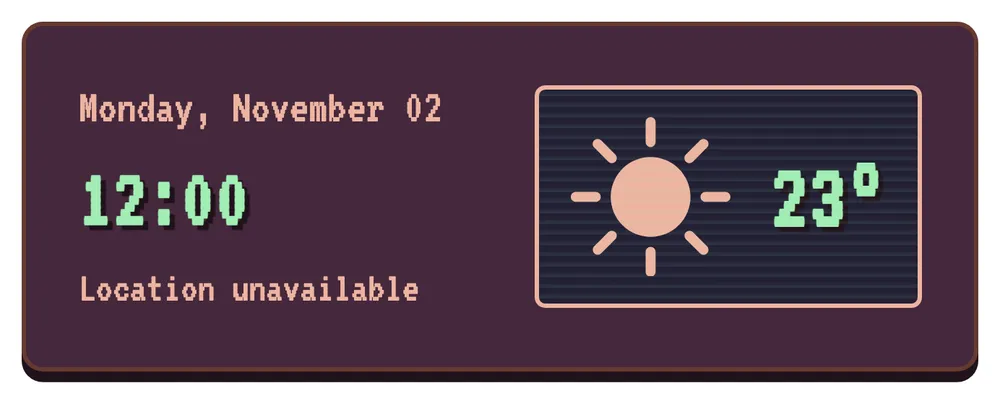
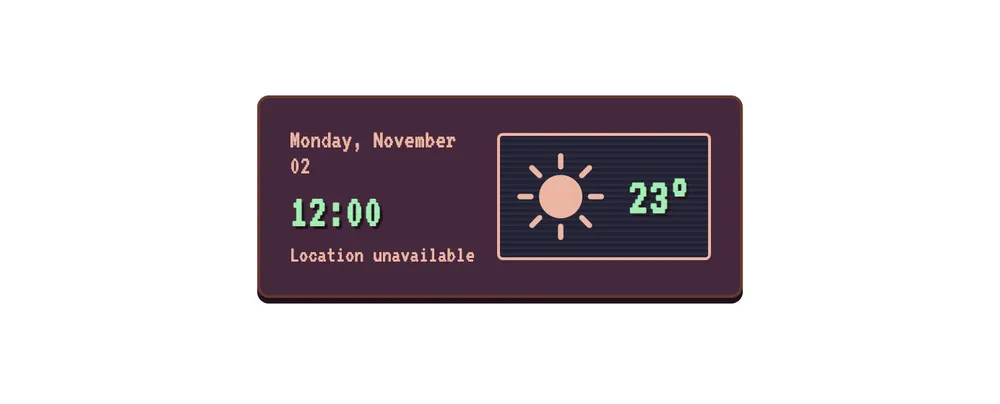
Retro weather widget after the redesignRetro weather widget before the redesignBeforeAfter‹›
Retro weather
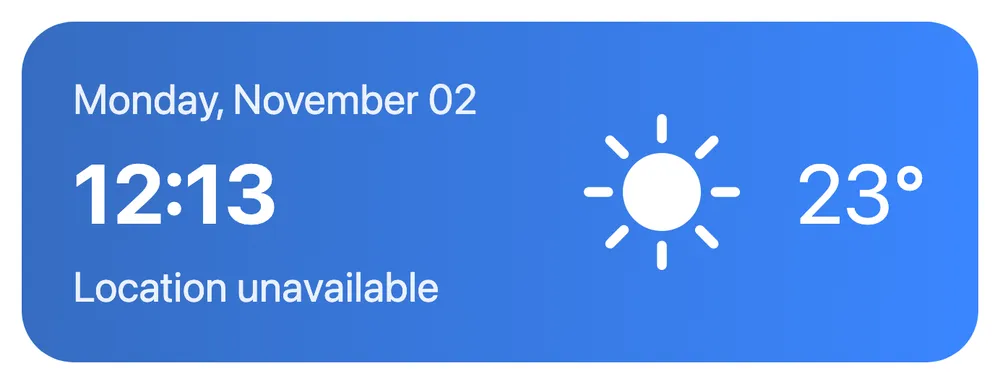
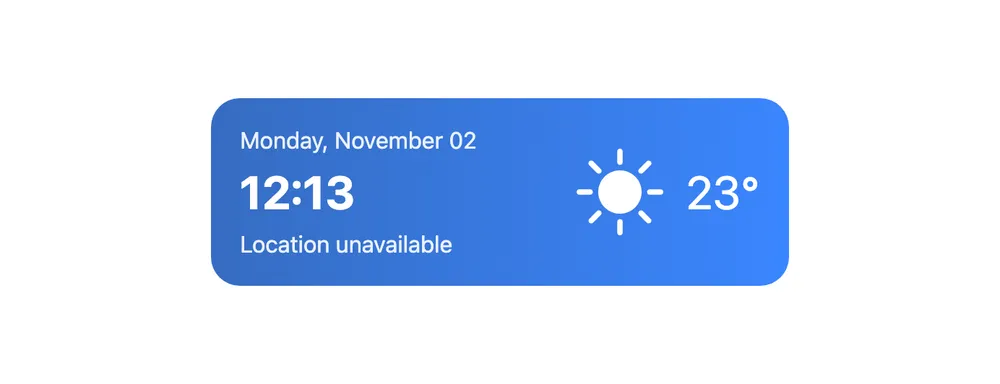
Sleek Blue weather widget after the redesignSleek Blue weather widget before the redesignBeforeAfter‹›
Sleek Blue weather

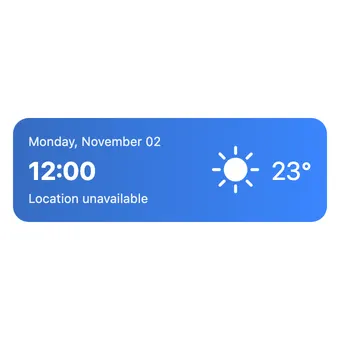
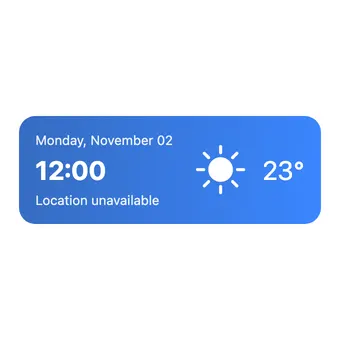
The weather cards are the clearest example of the new size. The old card used about half of the block. The new one fills it, so the date, time and temperature can be read from across the room.

Settings: one sheet instead of a flip

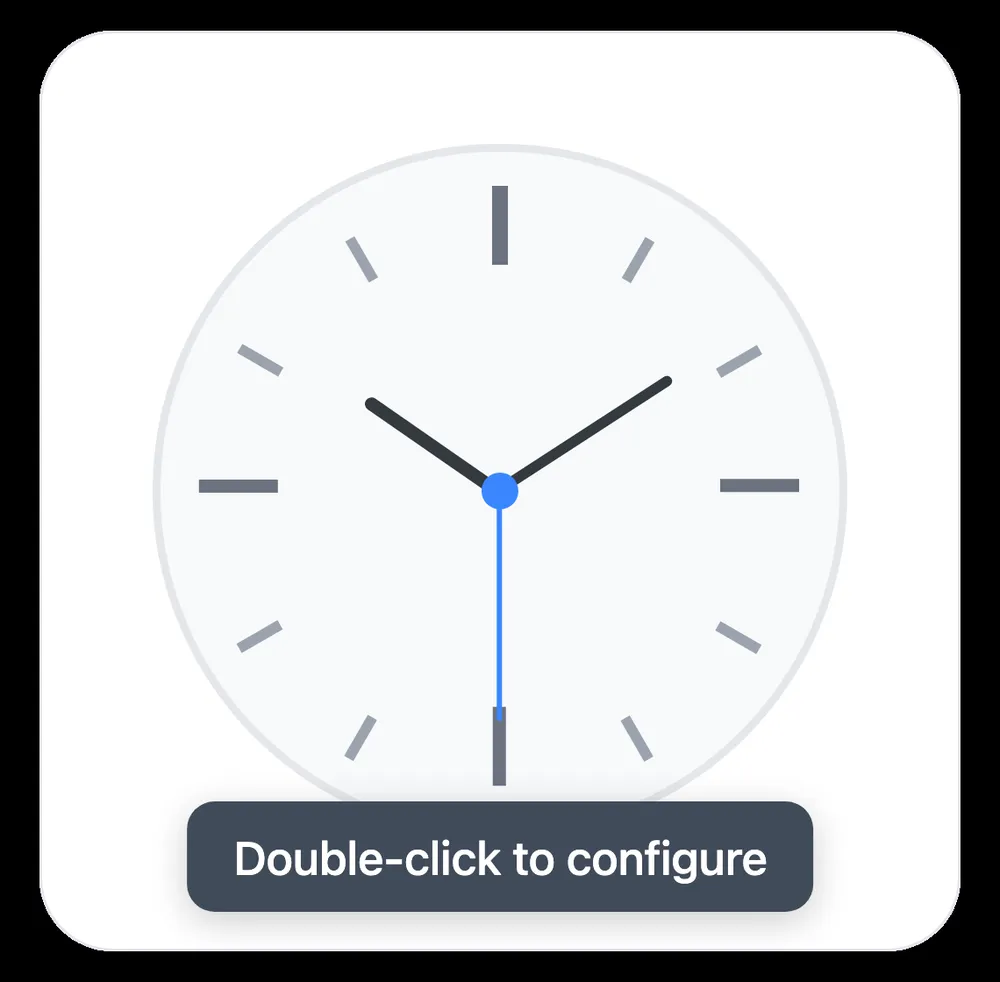
Before, the gear flipped the whole card. Now a small handle at the bottom opens a sheet, and the widget stays in view.

Before: the gear flips the card
After: tap the handle, a sheet slides up

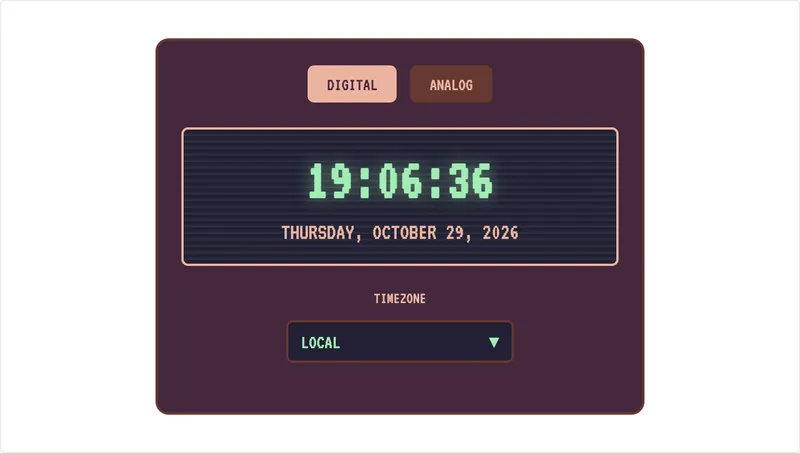
Clocks

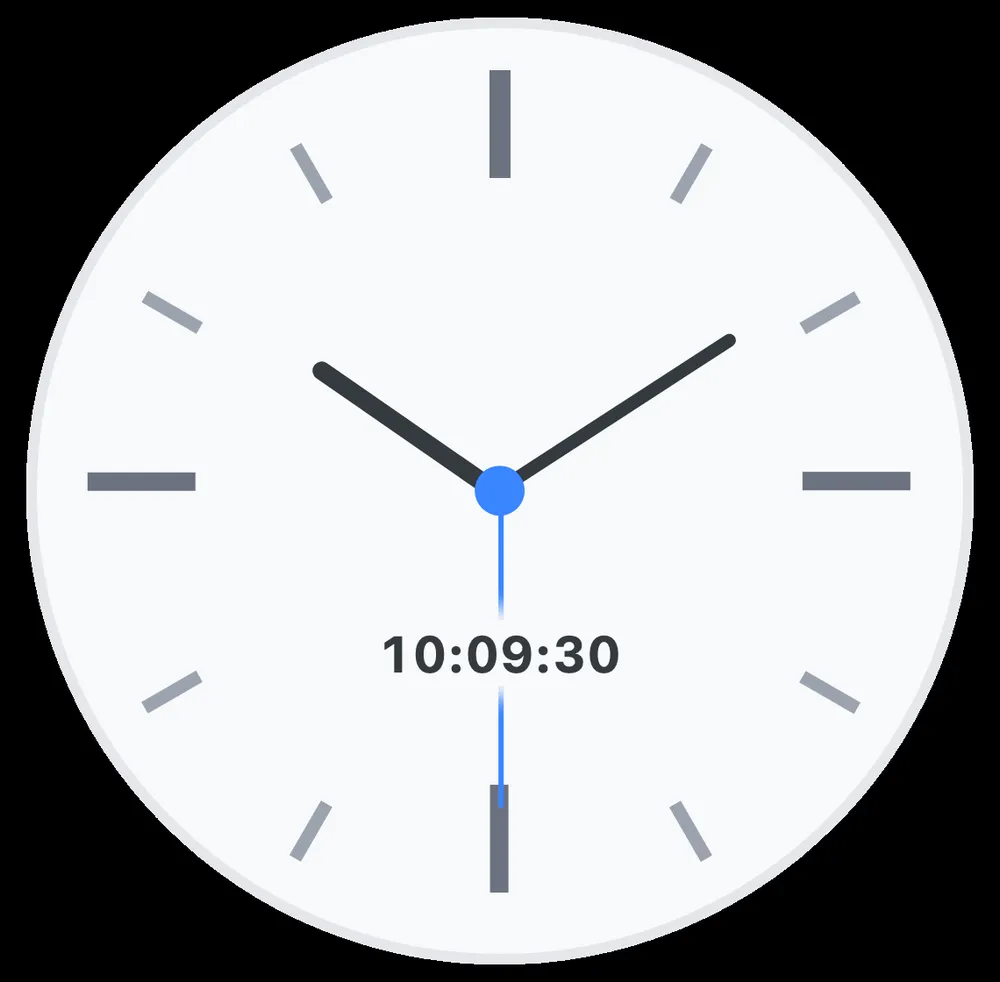
Sleek Blue analog clock widget after the redesignSleek Blue analog clock widget before the redesignBeforeAfter‹›
Sleek Blue analog clock
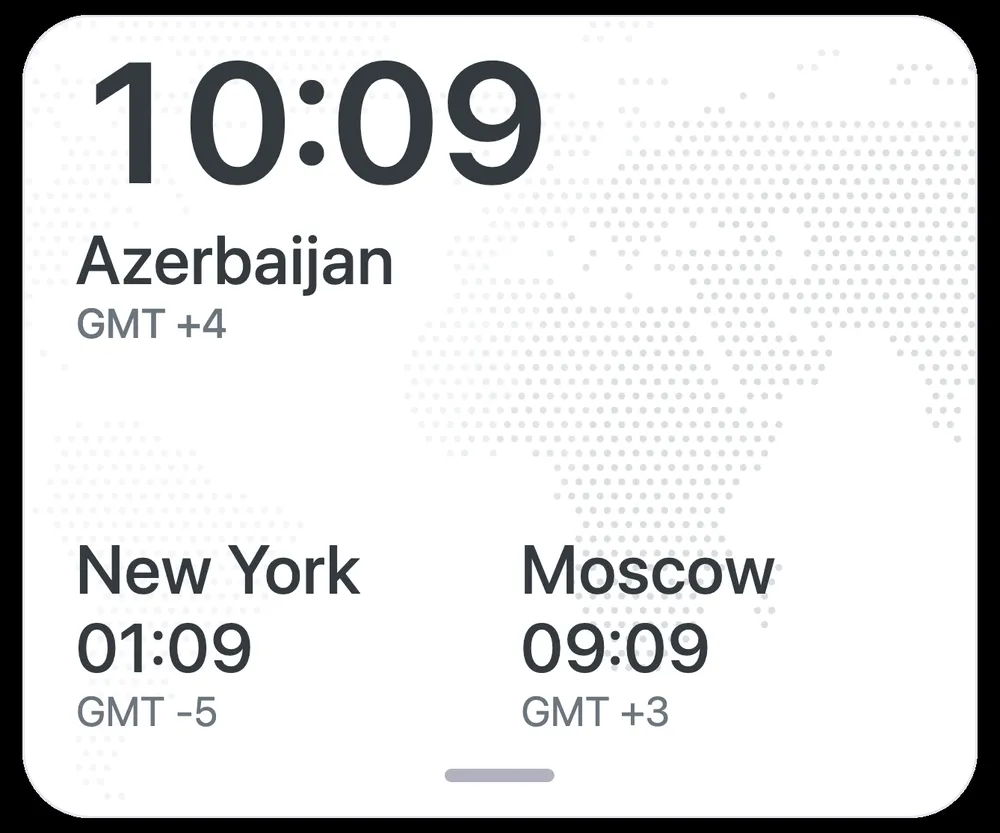
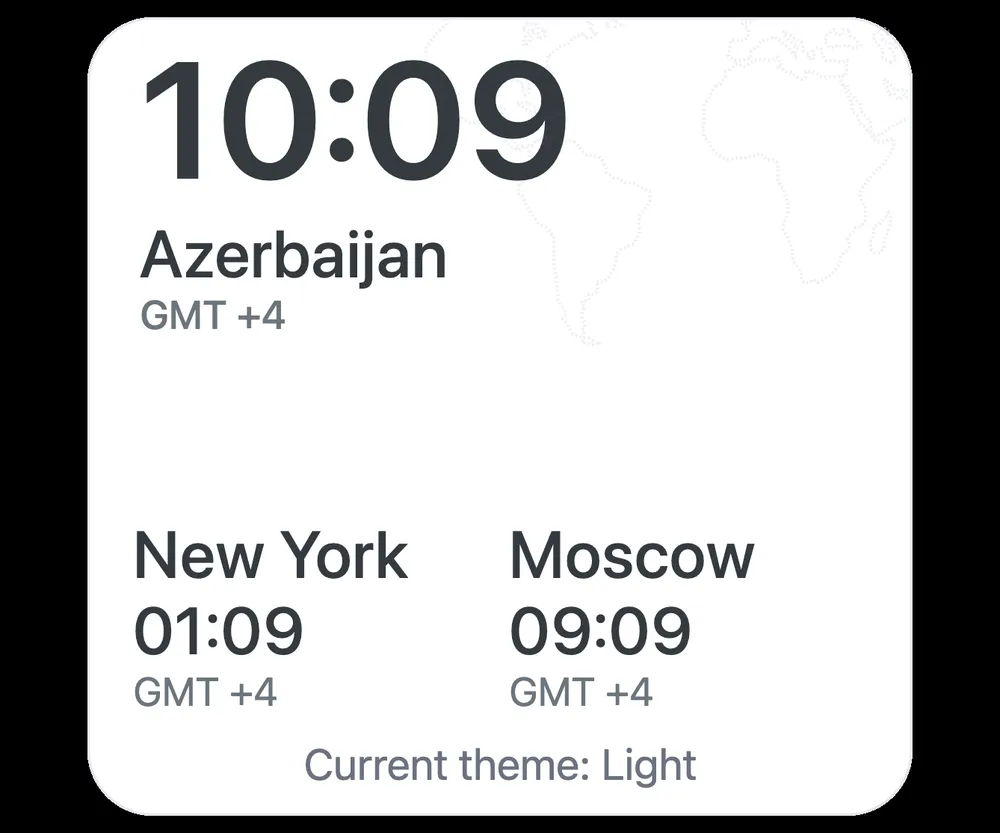
Sleek Blue world clock widget after the redesignSleek Blue world clock widget before the redesignBeforeAfter‹›
Sleek Blue world clock

The clocks now fill the block too, and their settings moved from the back face into the same slide-up sheet.

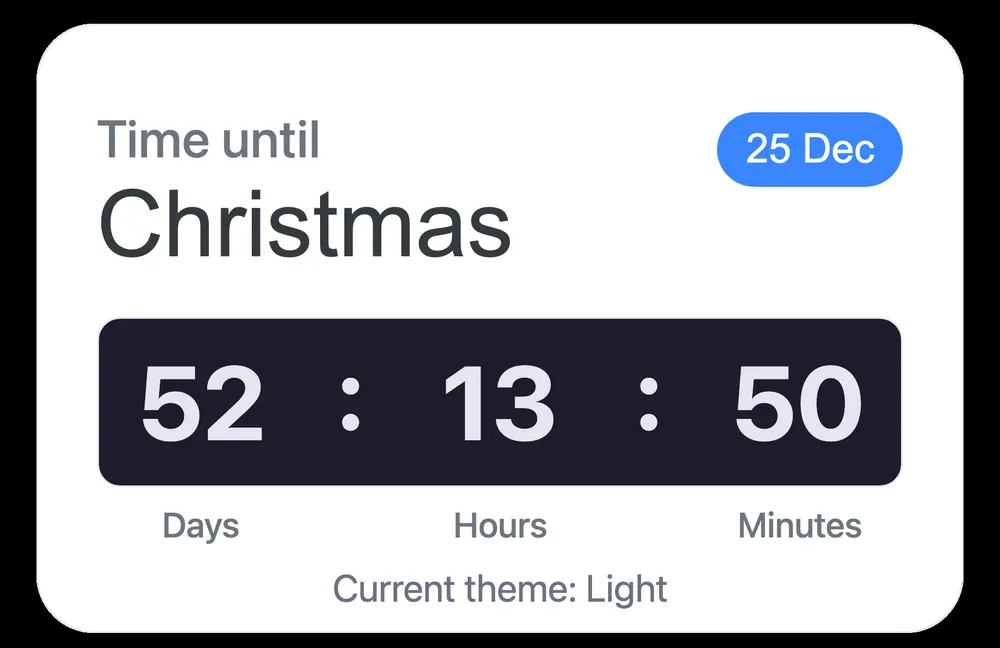
Time until
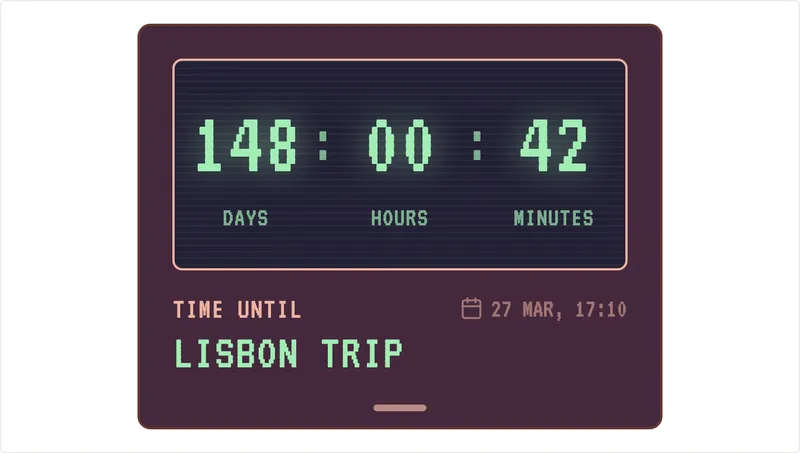
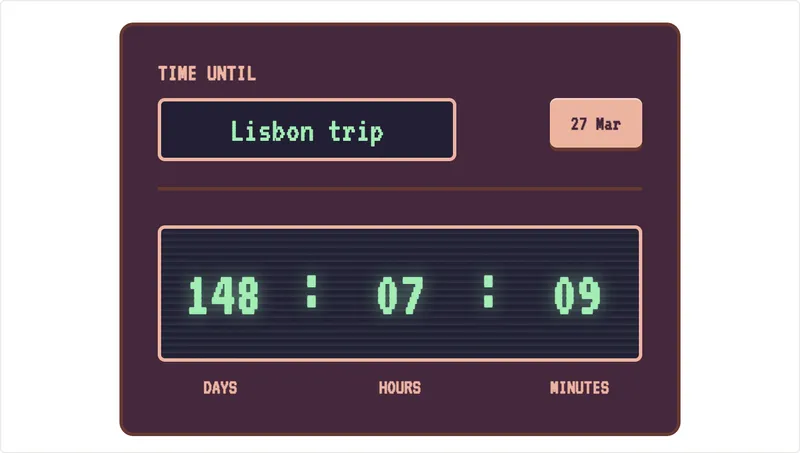
Time Until (Christmas countdown) widget after the redesignTime Until (Christmas countdown) widget before the redesignBeforeAfter‹›
Time Until (Christmas countdown)

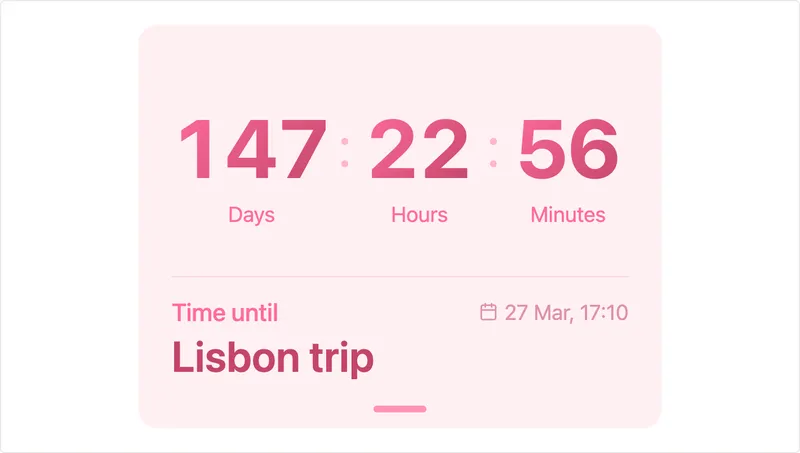
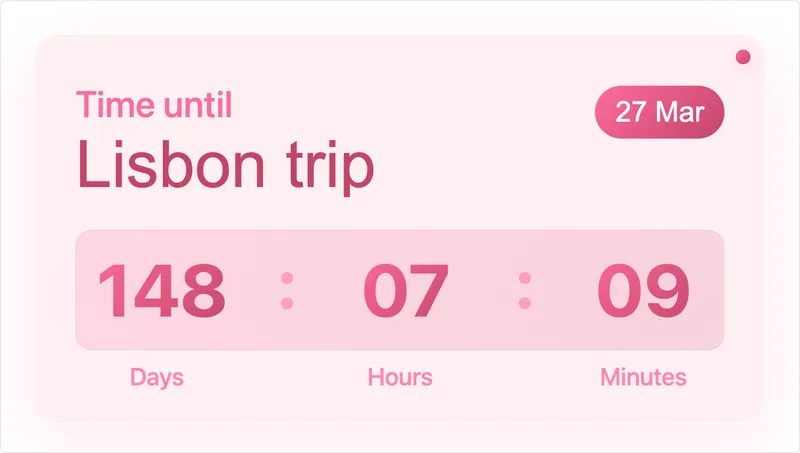
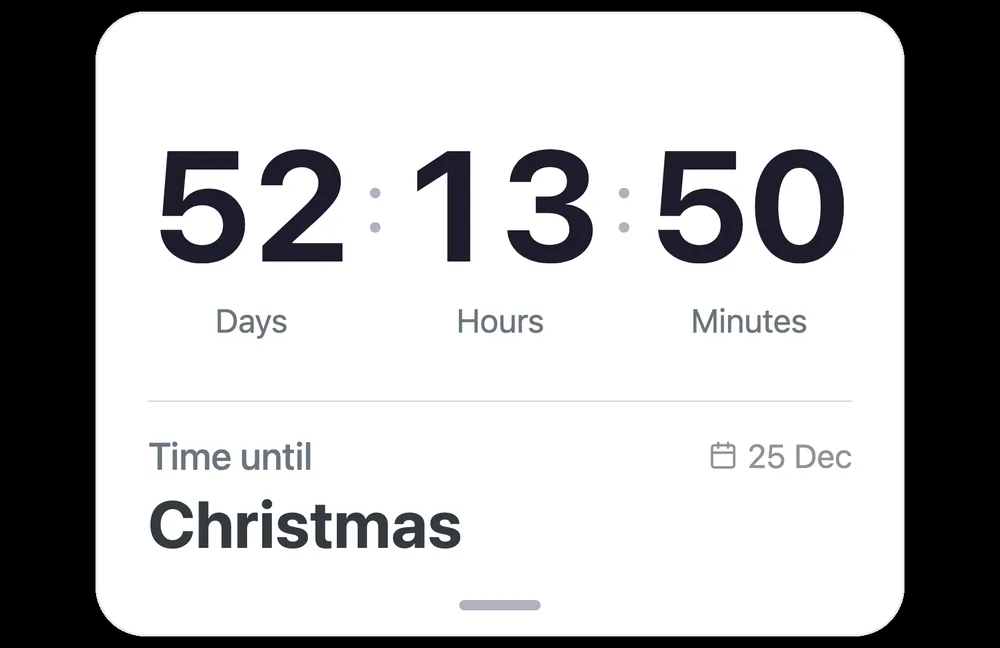
Set it to Christmas, a launch or a trip. The numbers are bigger, and the countdown fills the block at any size.

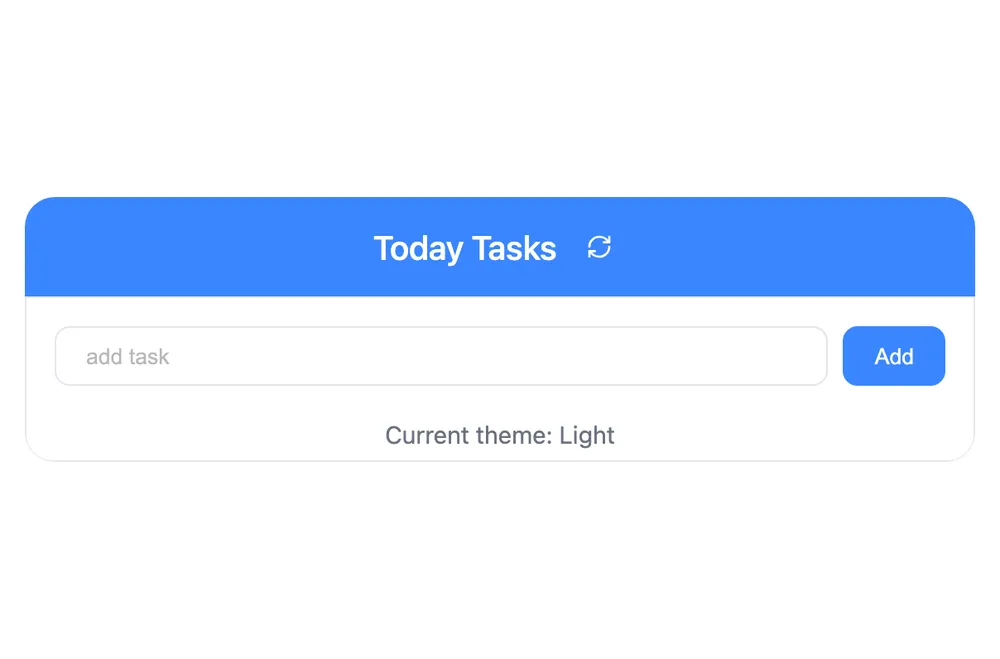
To-do list
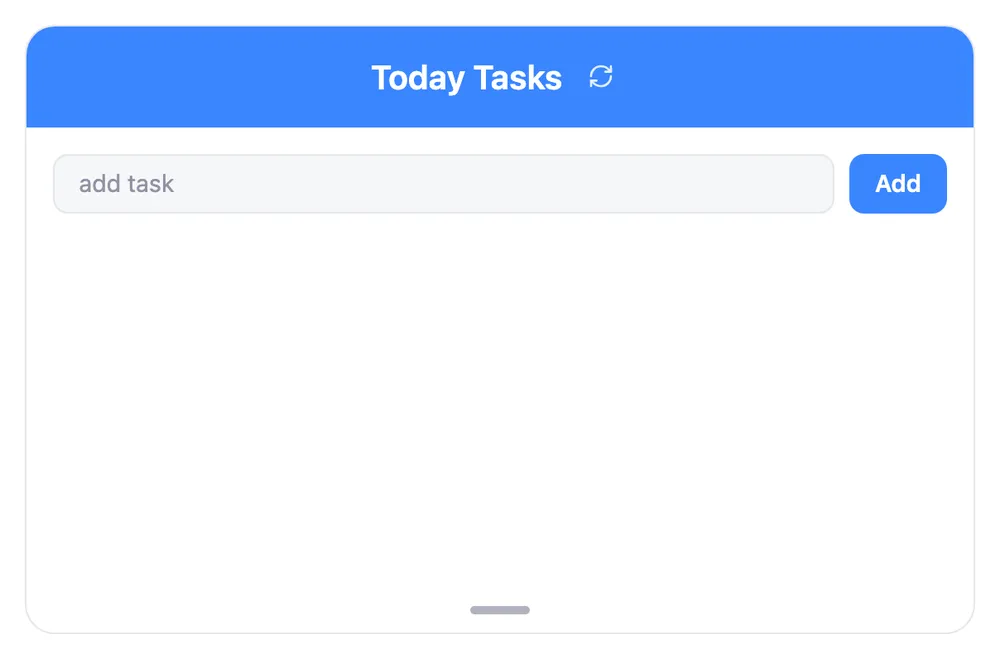
Sleek Blue to-do list widget after the redesignSleek Blue to-do list widget before the redesignBeforeAfter‹›
Sleek Blue to-do list

The old list showed a "Current theme" line under the tasks. That is gone, and the theme switch lives in the settings sheet now. The list uses the full height of the block, so more tasks fit before it scrolls.

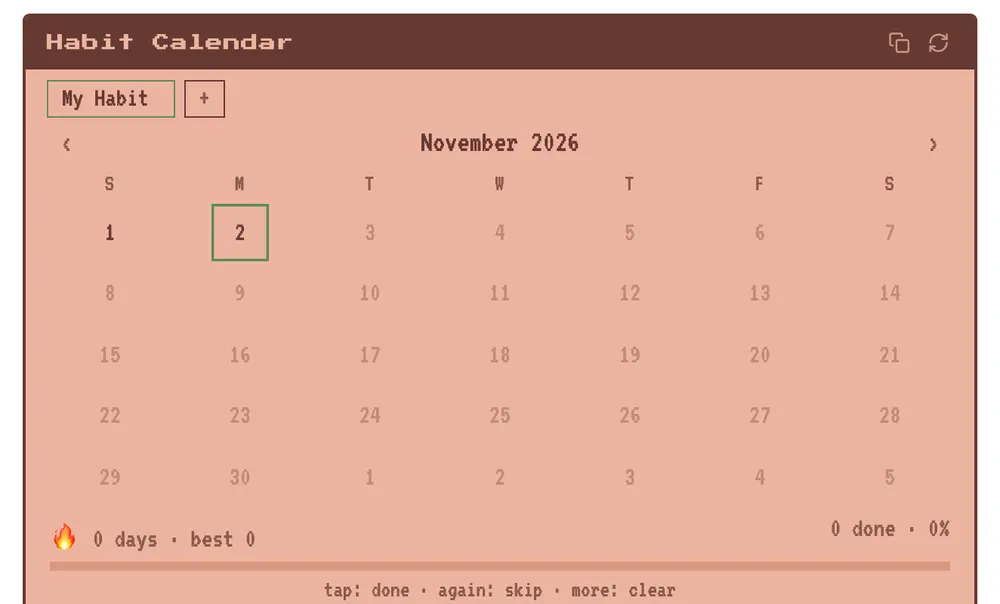
Habit calendar
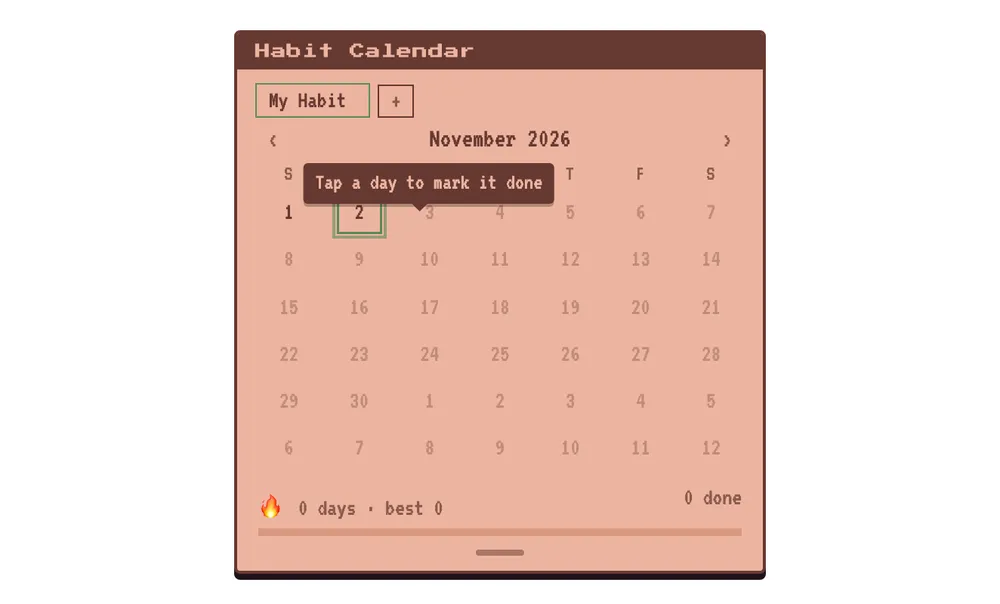
Retro habit calendar widget after the redesignRetro habit calendar widget before the redesignBeforeAfter‹›
Retro habit calendar

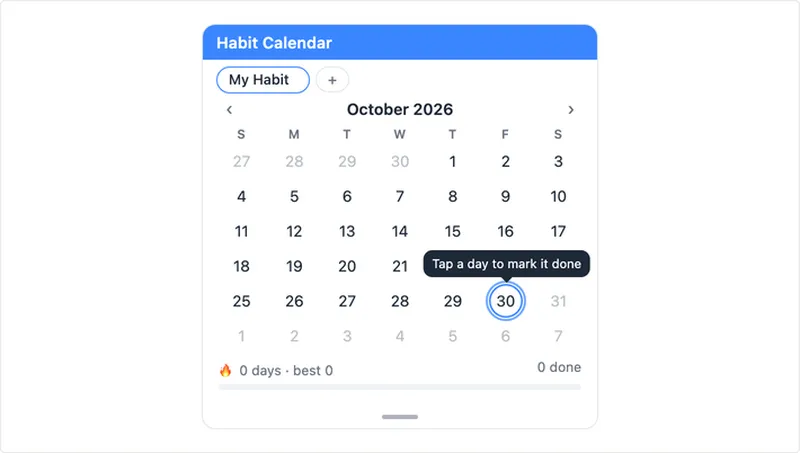
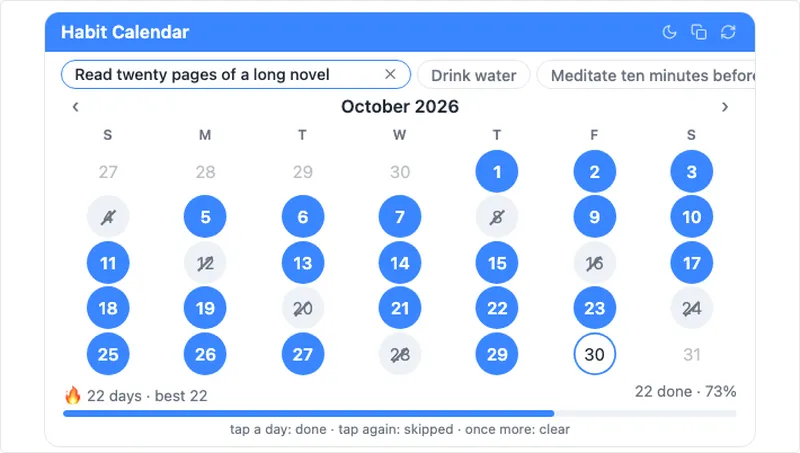
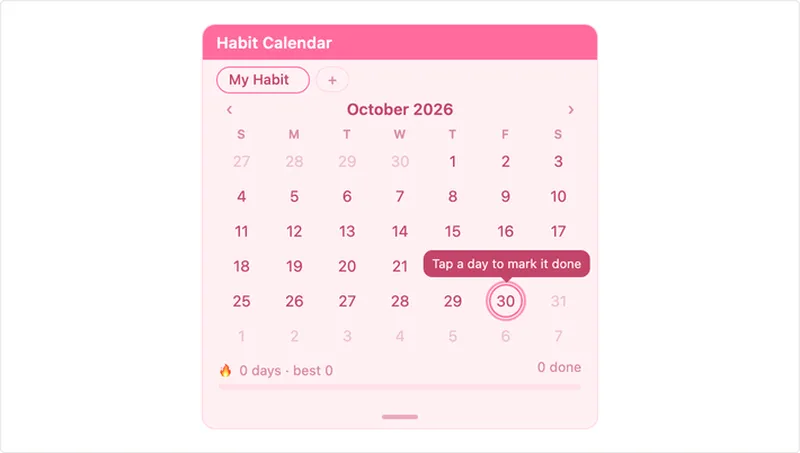
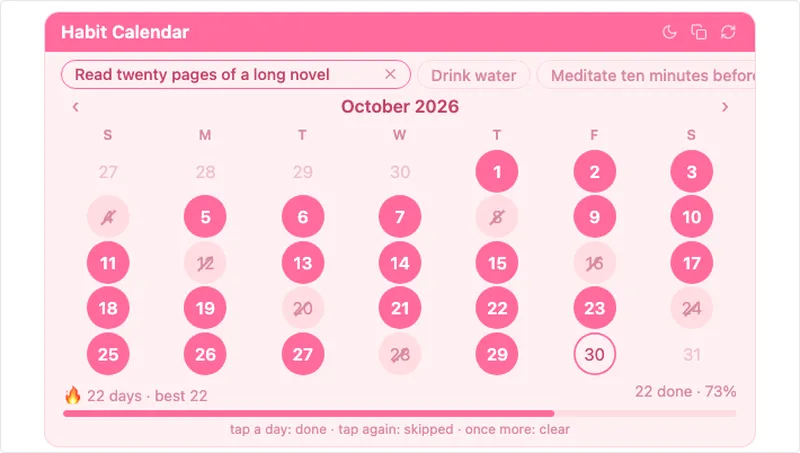
The month always shows six rows, so the widget keeps its size. Tap a day to mark it done, as before.

More widgets

The same changes went into every style. Pick a style to see its widgets.
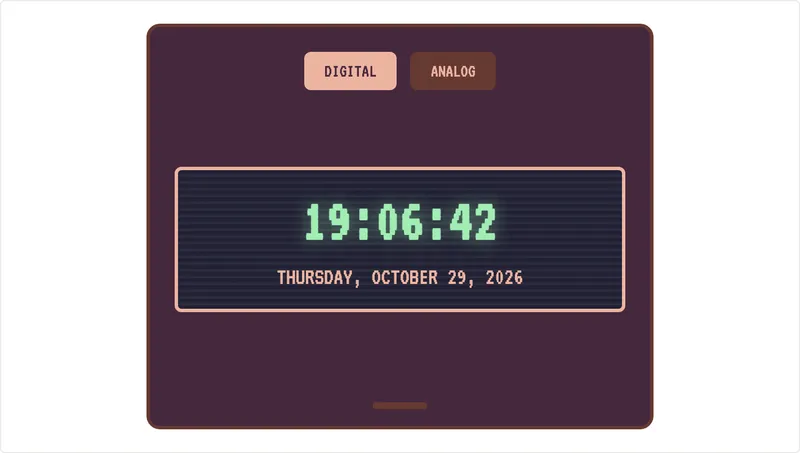
Retro clock widget after the redesignRetro clock widget before the redesignBeforeAfter‹›
Retro clock
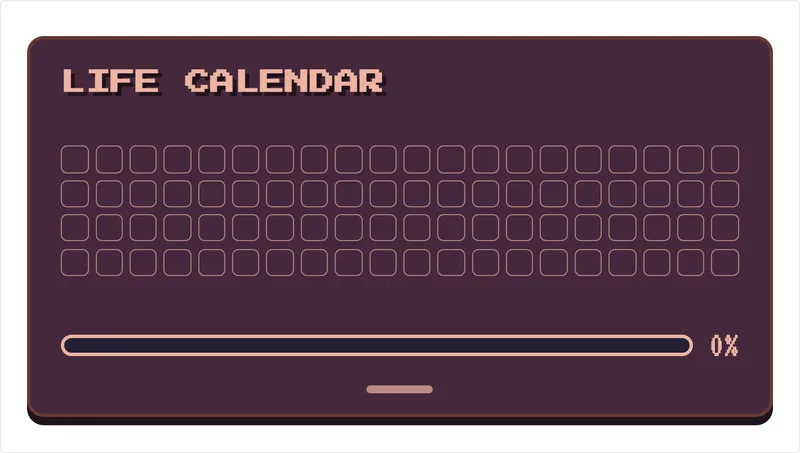
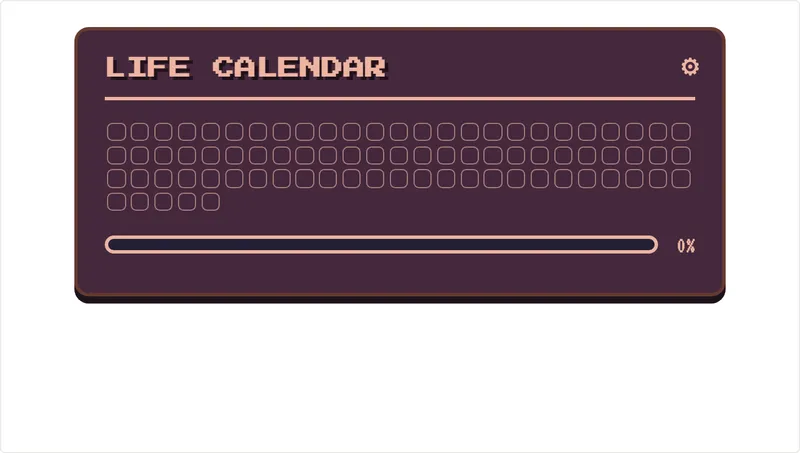
Retro life calendar widget after the redesignRetro life calendar widget before the redesignBeforeAfter‹›
Retro life calendar
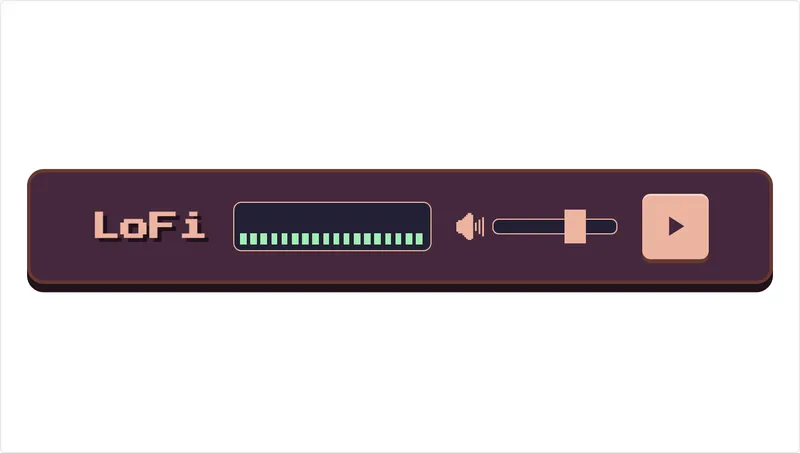
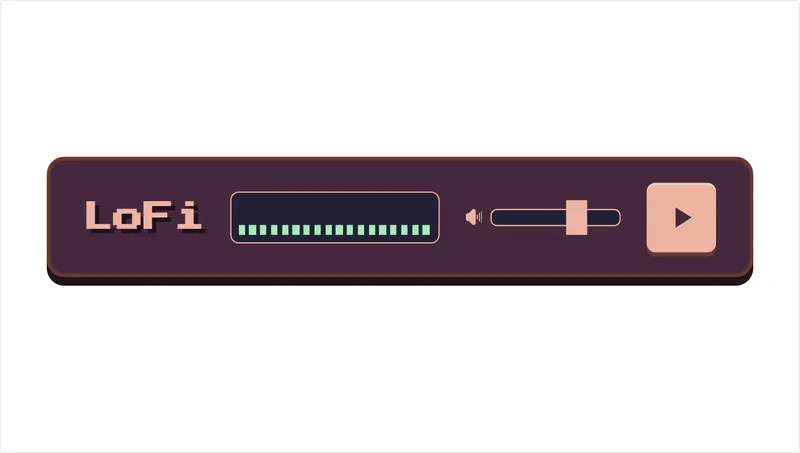
Retro lofi radio widget after the redesignRetro lofi radio widget before the redesignBeforeAfter‹›
Retro lofi radio
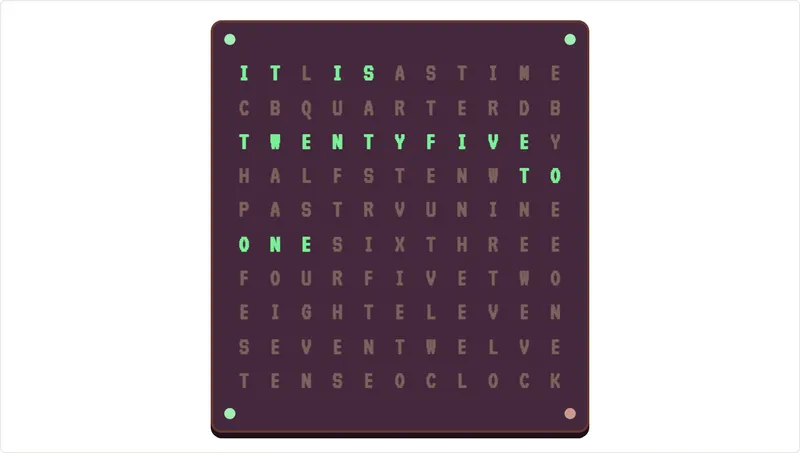
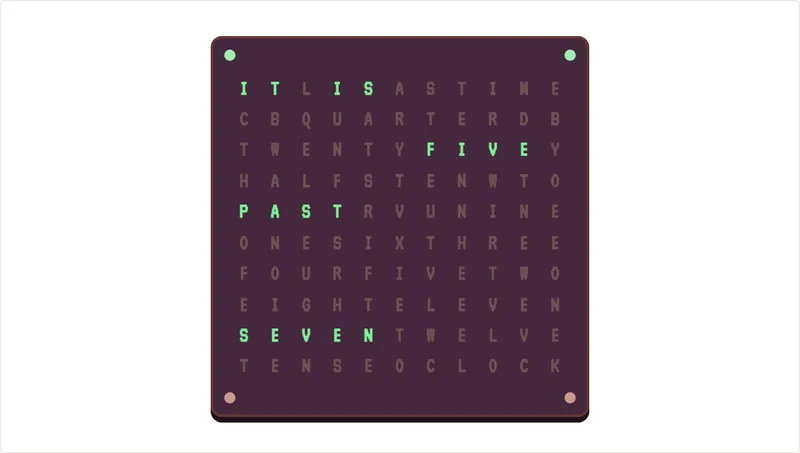
Retro text clock widget after the redesignRetro text clock widget before the redesignBeforeAfter‹›
Retro text clock
Retro time until countdown widget after the redesignRetro time until countdown widget before the redesignBeforeAfter‹›
Retro time until countdown
Soft Pink time until countdown widget after the redesignSoft Pink time until countdown widget before the redesignBeforeAfter‹›
Soft Pink time until countdown
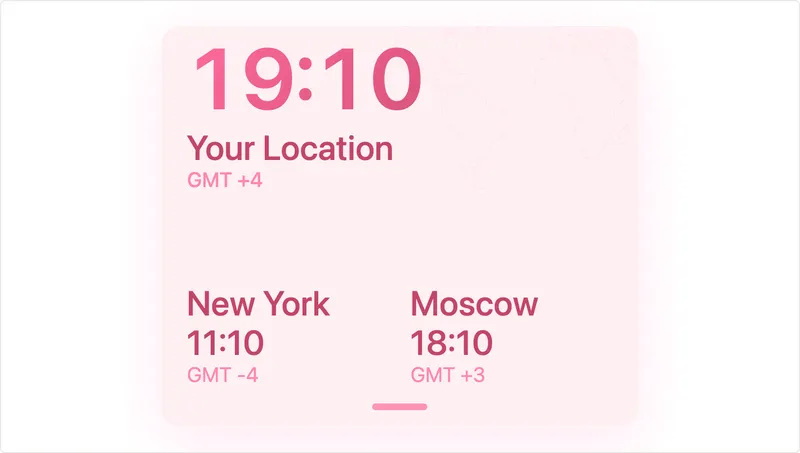
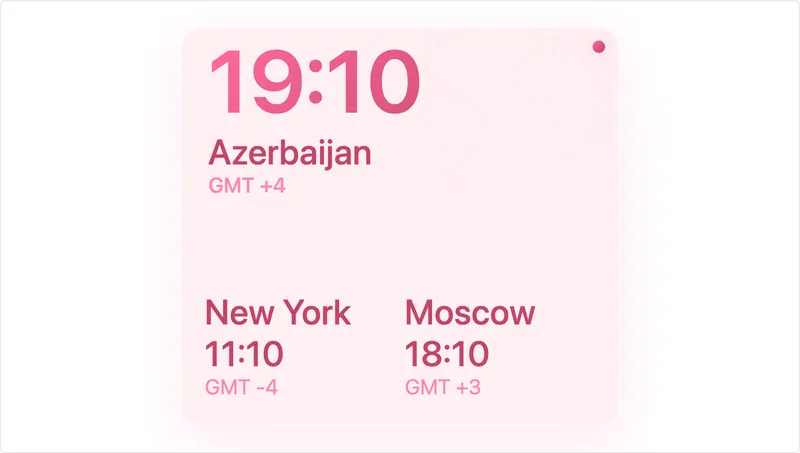
Soft Pink world clock widget after the redesignSoft Pink world clock widget before the redesignBeforeAfter‹›
Soft Pink world clock
Sleek Blue habit calendar widget after the redesignSleek Blue habit calendar widget before the redesignBeforeAfter‹›
Sleek Blue habit calendar
Sleek Blue progress bar widget after the redesignSleek Blue progress bar widget before the redesignBeforeAfter‹›
Sleek Blue progress bar
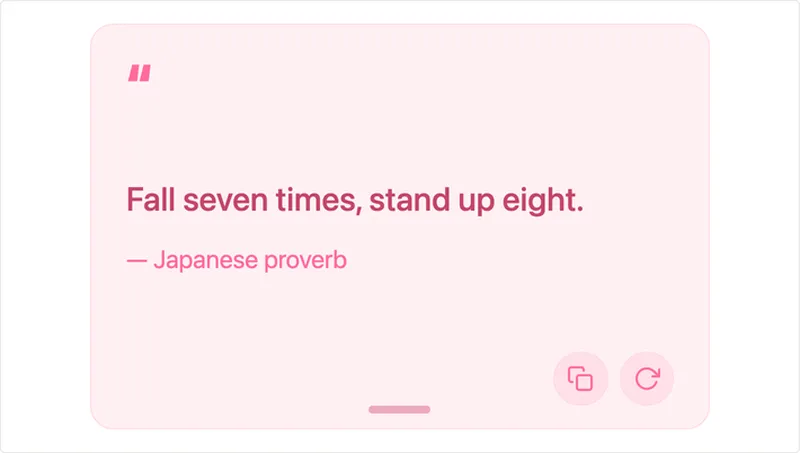
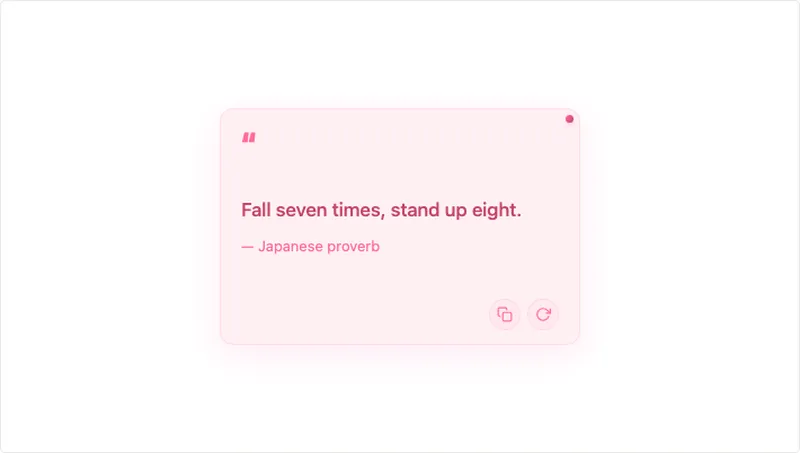
Soft Pink daily quote widget after the redesignSoft Pink daily quote widget before the redesignBeforeAfter‹›
Soft Pink daily quote
Soft Pink habit calendar widget after the redesignSoft Pink habit calendar widget before the redesignBeforeAfter‹›
Soft Pink habit calendar
Soft Pink progress bar widget after the redesignSoft Pink progress bar widget before the redesignBeforeAfter‹›
Soft Pink progress bar
Retro habit tracker widget after the redesignRetro habit tracker widget before the redesignBeforeAfter‹›
Retro habit tracker
Retro streak tracker widget after the redesignRetro streak tracker widget before the redesignBeforeAfter‹›
Retro streak tracker
Retro time tracker widget after the redesignRetro time tracker widget before the redesignBeforeAfter‹›
Retro time tracker
Sleek Blue habit tracker widget after the redesignSleek Blue habit tracker widget before the redesignBeforeAfter‹›
Sleek Blue habit tracker
Sleek Blue streak tracker widget after the redesignSleek Blue streak tracker widget before the redesignBeforeAfter‹›
Sleek Blue streak tracker
Sleek Blue time tracker widget after the redesignSleek Blue time tracker widget before the redesignBeforeAfter‹›
Sleek Blue time tracker
Soft Pink habit tracker widget after the redesignSoft Pink habit tracker widget before the redesignBeforeAfter‹›
Soft Pink habit tracker
Soft Pink streak tracker widget after the redesignSoft Pink streak tracker widget before the redesignBeforeAfter‹›
Soft Pink streak tracker
Soft Pink time tracker widget after the redesignSoft Pink time tracker widget before the redesignBeforeAfter‹›
Soft Pink time tracker

Do I need to change anything?

No. The links you pasted into Notion point to the same widgets, so they update on their own. Your tasks, habits, countdown dates and other saved settings were kept.

If a widget looks too small or too large after the change, drag the embed block's corner in Notion. The widget follows the block now.

Find more

All 90 free widgets are in the catalog, grouped by style in collections. New to widgets? How to add widgets to Notion takes about a minute.