# Vision Board Ideas for 2027 (Aesthetic and Notion-Ready)
> 40 vision board ideas for 2027 by life area, with what to put in each tile, how to lay the board out, and how to keep it neat in Notion.
Source: https://widgetsfornotion.com/blog/vision-board-ideas-2027
Published: 2026-11-13T00:00:00.000Z
---
The best vision board ideas are specific pictures: one photo for each thing you want in 2027, grouped by area of life. A photo of the trail you want to run beats a photo of a sunrise. Below are 40 ideas across eight areas, then how to lay the board out. To build it on a Notion page, use our [step-by-step guide to a Notion vision board](/blog/notion-vision-board).
## 40 vision board ideas by life area
Pick three to six areas. Most boards fall apart when they try to cover everything.
Jump to an area: [Health and fitness](#health-and-fitness), [Money](#money), [Career and work](#career-and-work), [Learning](#learning), [Relationships](#relationships), [Home](#home), [Travel](#travel), [Fun and creativity](#fun-and-creativity).
### Health and fitness
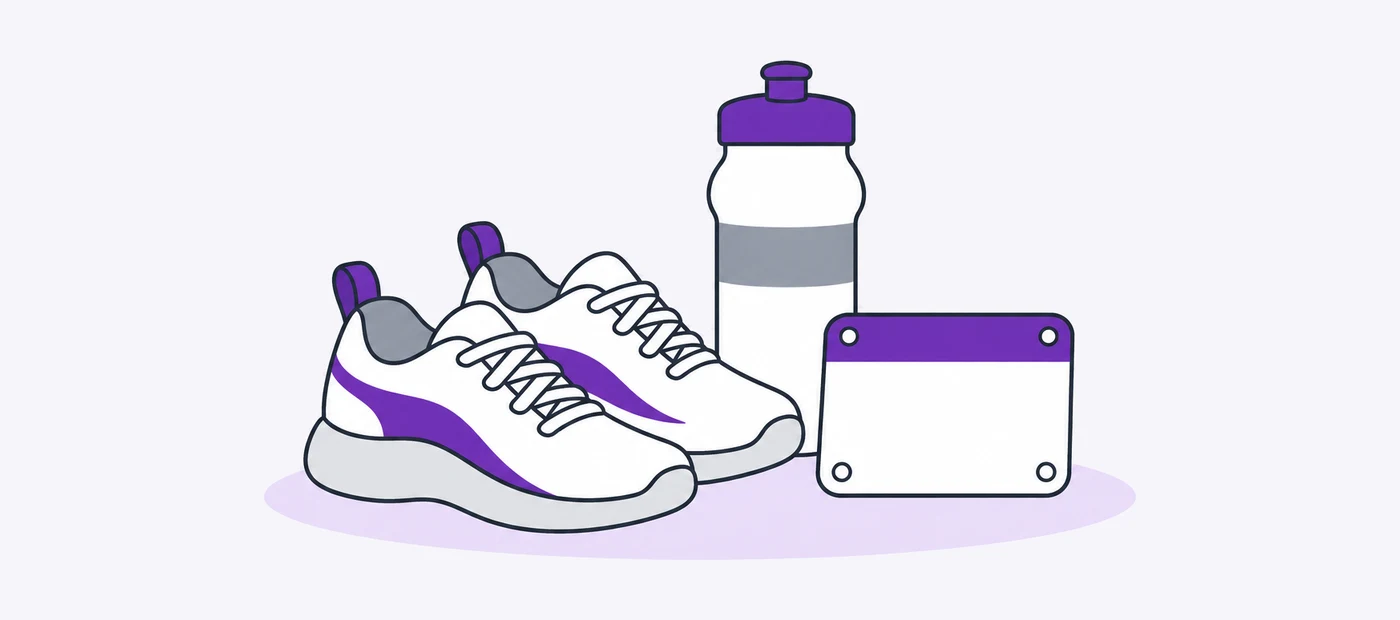 1. A race bib or a finish line, for the distance you want to run.
2. The trail, pool or gym you plan to use each week.
3. A plate of the kind of dinner you want to cook more often.
4. A made bed in a dark room, if sleep is the goal.
5. Walking shoes by the door.
### Money
 6. The number you want in savings, written on a card.
7. The thing you are saving for, such as a bike or a laptop.
8. A front door, for a deposit on a flat or a house.
9. A card cut in half, for a debt you plan to clear.
10. A full grocery bag, for a food budget you want to keep.
### Career and work
 11. The desk you want to work at.
12. A certificate or the cover of a course you plan to finish.
13. The job title you are aiming for, in plain type.
14. A stage or a microphone, if you want to give a talk.
15. A shop sign or a first invoice, for a business you want to start.
### Learning
 16. A stack of books with the titles showing.
17. A street sign or a menu in the language you are learning.
18. An instrument on its stand.
19. A notebook open on a first page of notes.
20. A library card or a class timetable.
### Relationships
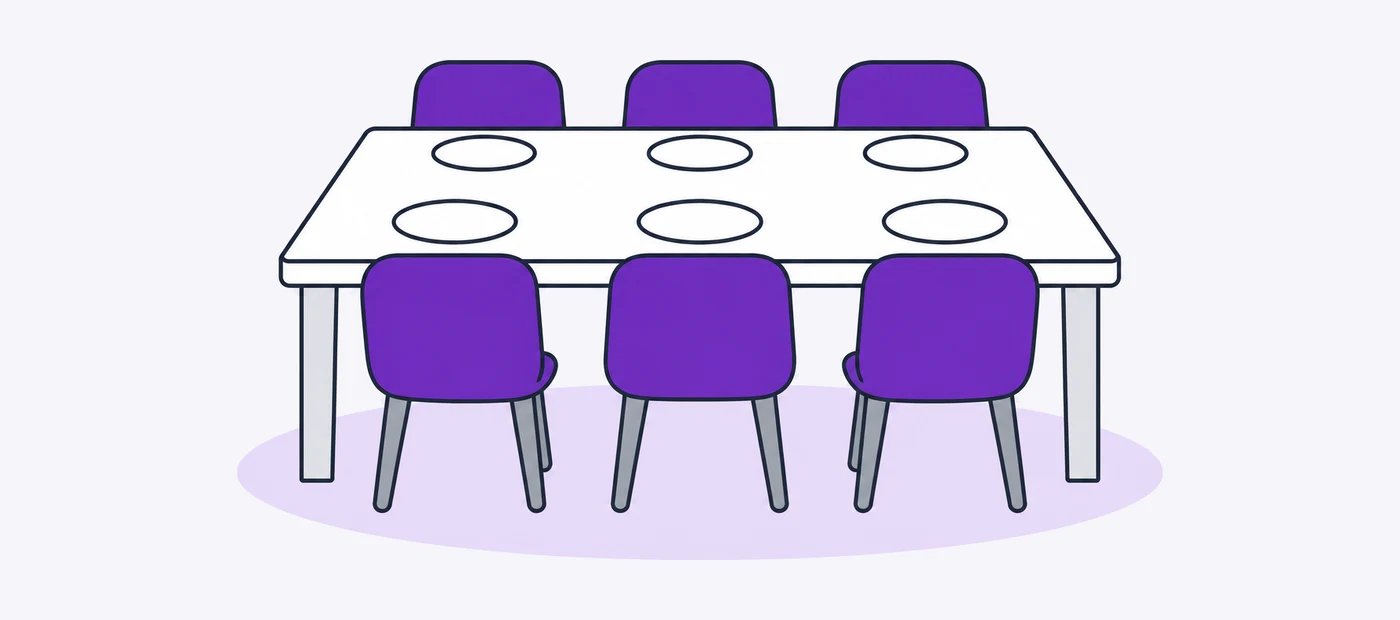 21. A long table set for friends.
22. A photo of someone you want to visit this year.
23. A card or letter you plan to write.
24. Two coffee cups, for a weekly call or a date night.
25. A family photo you want to retake in December.
### Home
 26. One room, finished.
27. A plant on a sill.
28. A shelf you plan to build.
29. A clear kitchen counter.
30. A paint swatch for the wall you keep meaning to do.
### Travel
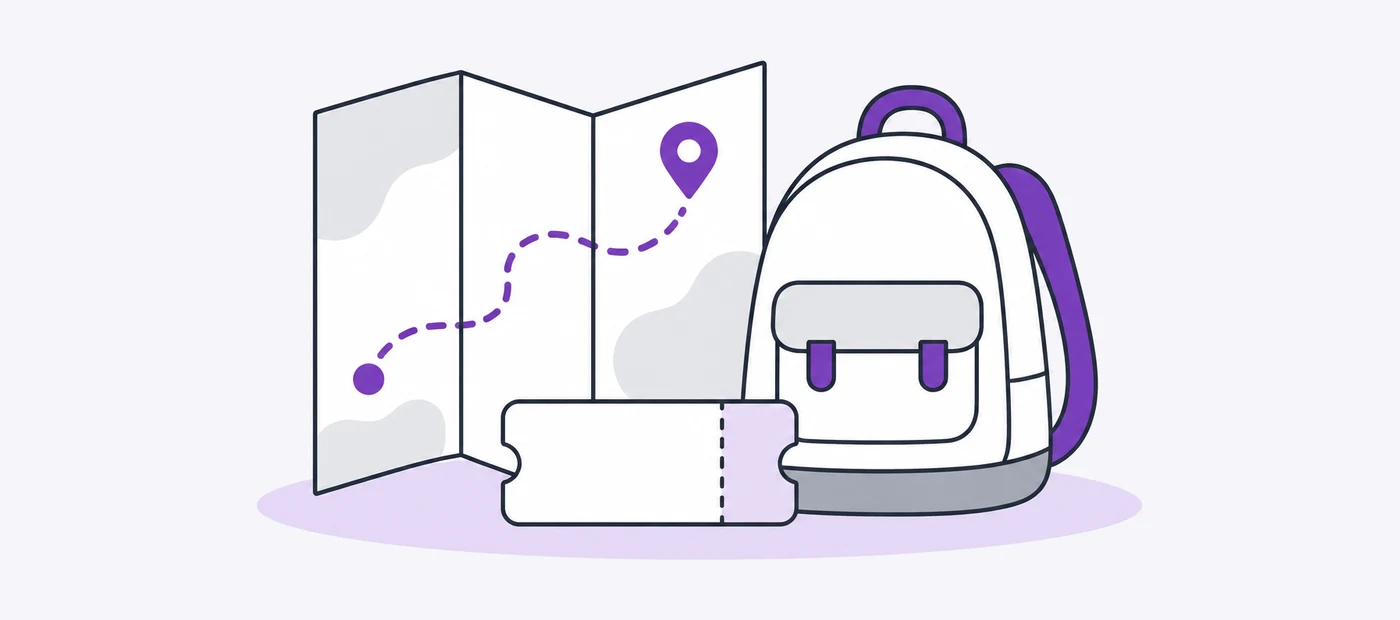 31. One place you will go, not ten.
32. A map with your route drawn on it.
33. A train ticket or a boarding pass.
34. A packed backpack.
35. A view you want to stand in front of.
### Fun and creativity
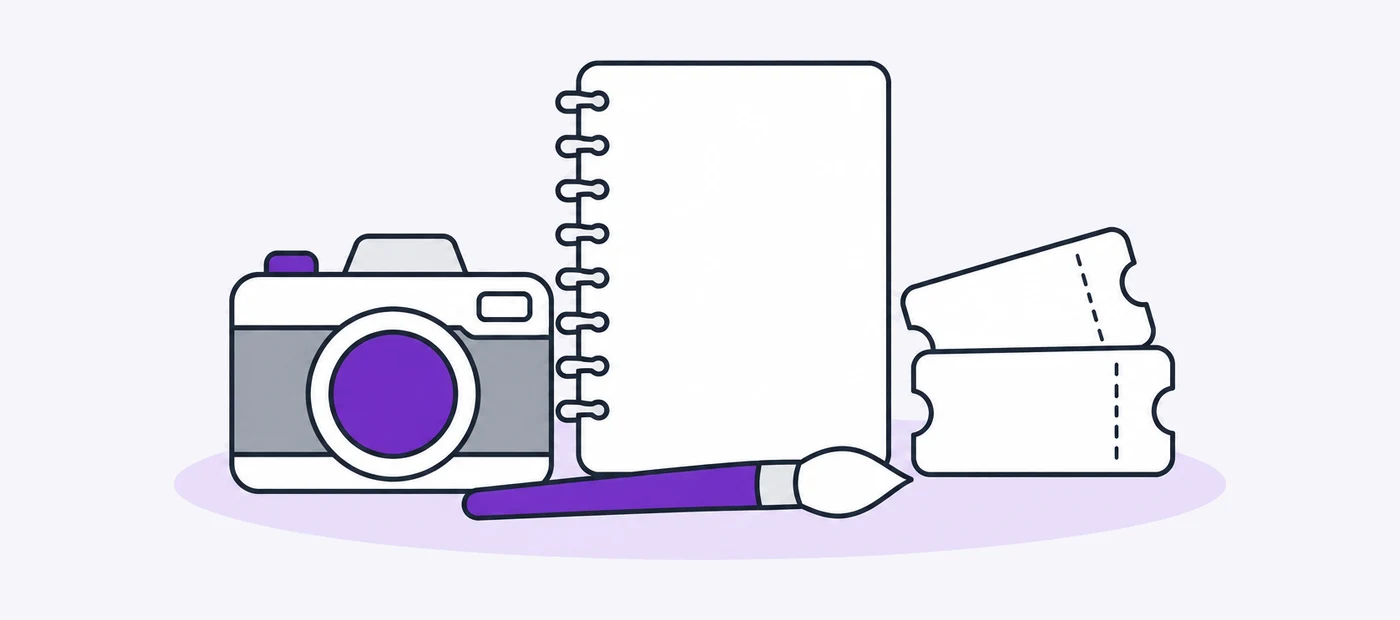 36. A paintbrush, a camera or a sewing machine.
37. A blank notebook with the first page started.
38. Tickets to a concert or a match.
39. A board game on a table.
40. A finished thing you made, however small.
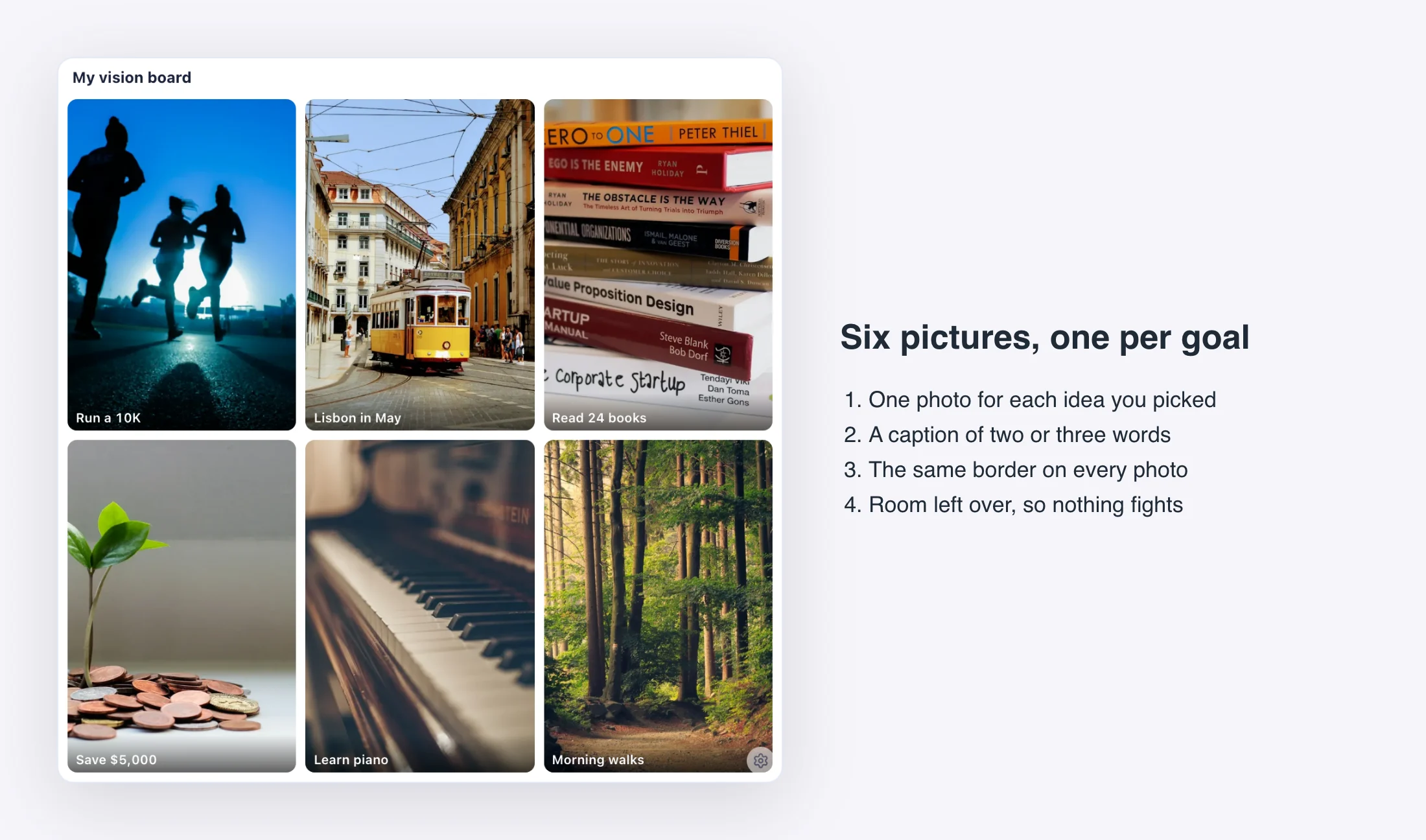
Add a caption of three or four words to each photo, such as "run 10 km" or "save the deposit". A caption turns a nice picture into a goal.
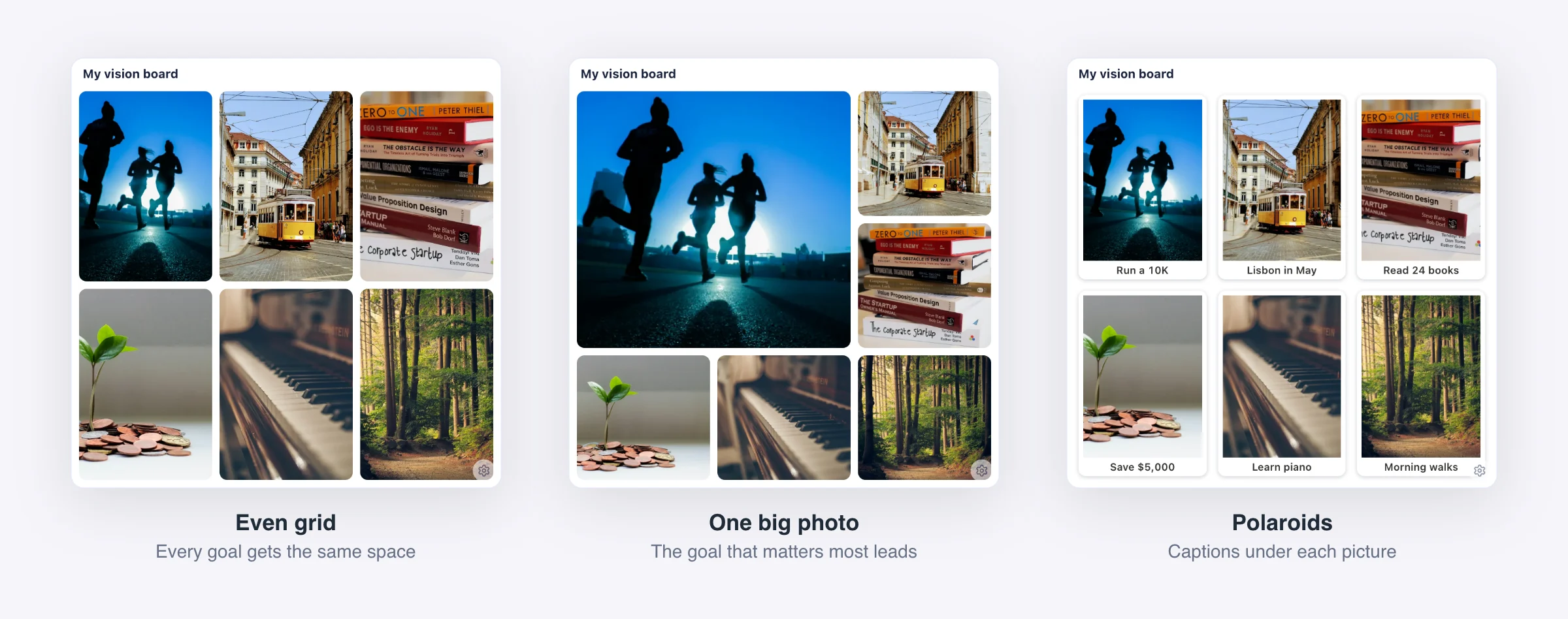
Six of these ideas on one board look like this.
 ## How to lay out an aesthetic vision board
Most boards that look good follow a few rules.
- **Limit the colours.** Choose two or three tones and crop or tint photos to match. Warm and muted, or black and white, both work.
- **Use one crop.** Square tiles make a calm grid. A mix of sizes looks busier.
- **Let one photo lead.** Make your main goal the biggest tile, or place it first.
- **Keep it small.** Six photos fit on a phone screen. Thirty-six do not. Start with six to nine.
- **Leave space.** Gaps between photos make the board easier to read.
The same six photos in three layouts:
 ### Vision board colour palettes
If you do not know which tones to choose, start with one of these four. Click a colour to copy its hex code. The codes work in Canva and in most photo editors.
Pinterest is a good place to find pictures and see layouts before you start. Canva is useful if you want a finished collage as a single image. Both give you a picture that stays still. In Notion, the board sits on the same page as your plans.
| Where you build it | Cost | What you get | Good for |
| --- | --- | --- | --- |
| Pinterest board | Free | A page of saved pins | Collecting pictures |
| Canva collage | Free plan | One finished image | Printing, or a phone wallpaper |
| Notion gallery | Free | A card for each goal, with notes inside | Keeping goals next to plans |
| Vision Board widget | $1.99 once | A fixed grid with borders and captions | A tidy board on a Notion page |
## Put the ideas in Notion
You have two choices. The free one is a gallery database with an image cover on each card, which our [Notion vision board guide](/blog/notion-vision-board) walks through. The other is the [Vision Board widget](/widgets/vision-board), which costs $1.99 once and shows your own photos in a grid from one up to 6 by 6, with borders, captions and a larger first photo. There is no free version of that widget.
Pair the board with something that moves. A [goal tracker](/widgets/types/goal-tracker) fills as you add to one goal, and a [year progress bar](/widgets/types/progress-bar) shows how much of the year has passed. Both are free, along with the rest of the [New Year widgets](/collections/new-year). Our [beginner guide](/blog/how-to-add-widgets-to-notion) shows how to paste them in.
**Live preview: [New Year Year Progress](https://widgetsfornotion.com/widgets/new-year-year-progress)** — interactive on the page.
## Questions
**How many photos should a vision board have?** Six to nine is enough for a first board. Fewer photos means each goal gets more attention.
**What makes a vision board aesthetic?** A limited colour palette, one crop, and some empty space. The pictures matter less than how they sit together.
**Should I add words?** Yes. Short captions of a few words turn pictures into goals you can check.
**Can I make a digital vision board for free?** Yes. A Notion gallery database is free, and so is Pinterest. Canva has a free plan too.